
About Minesweeper 3D
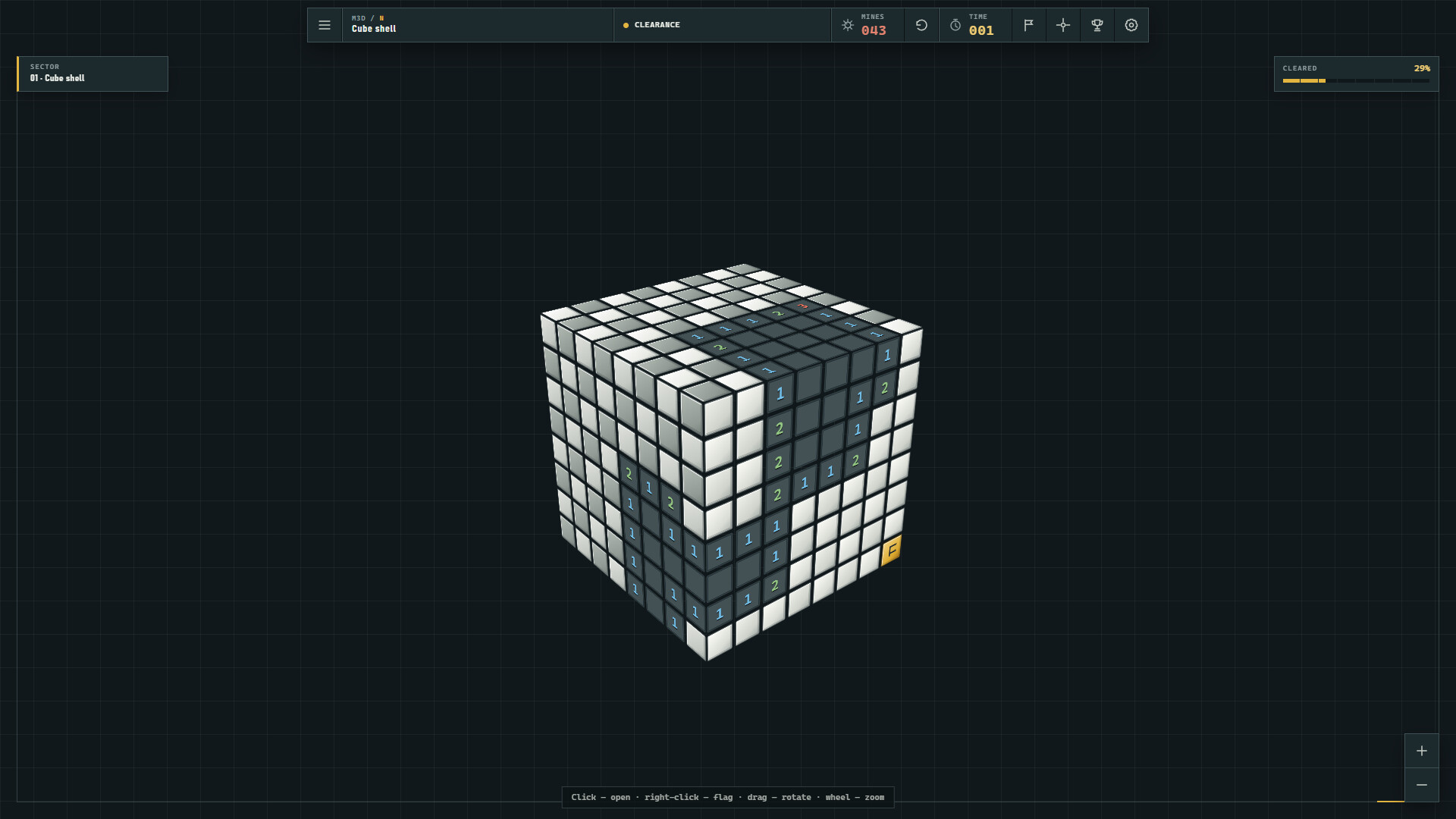
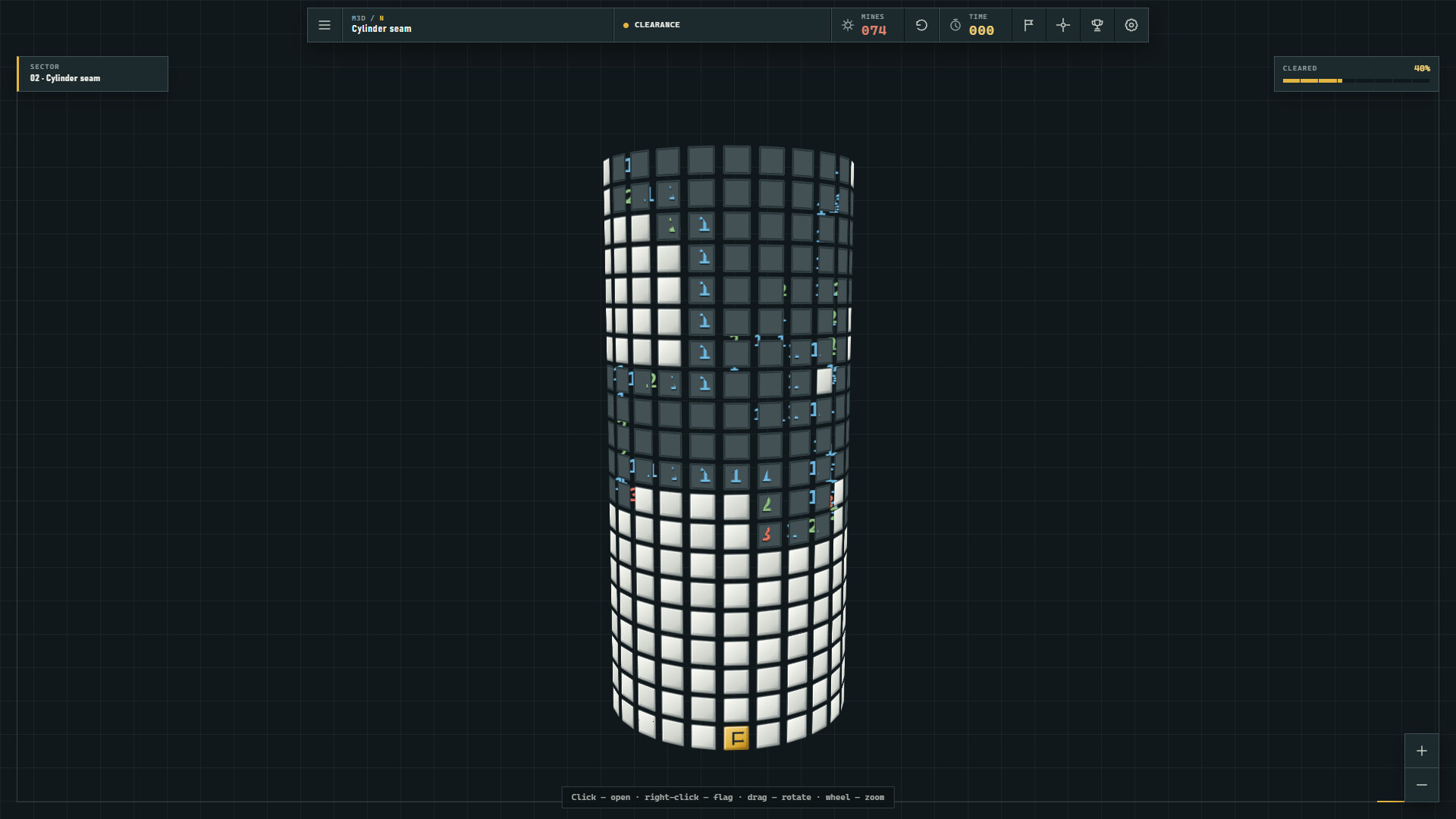
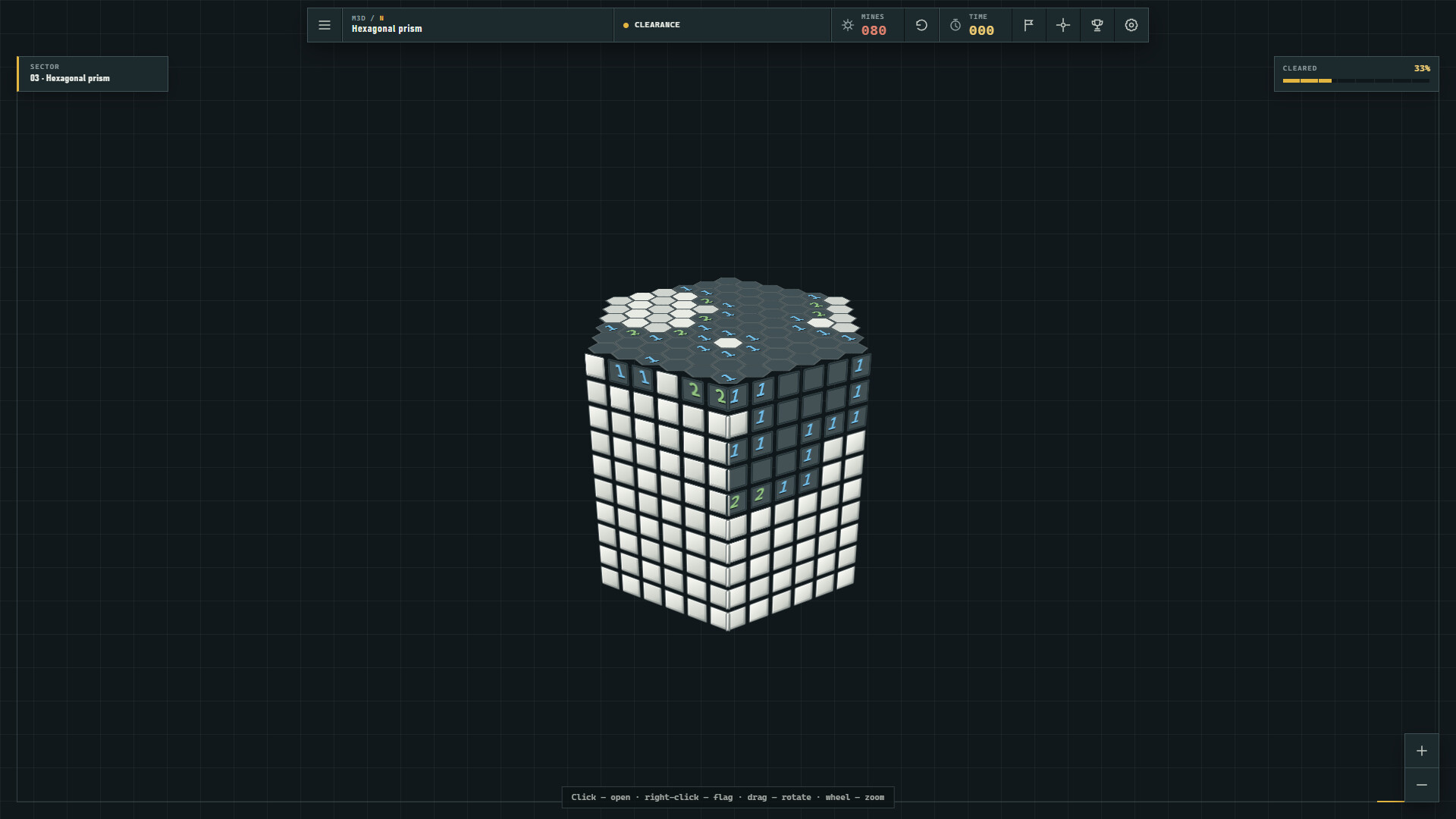
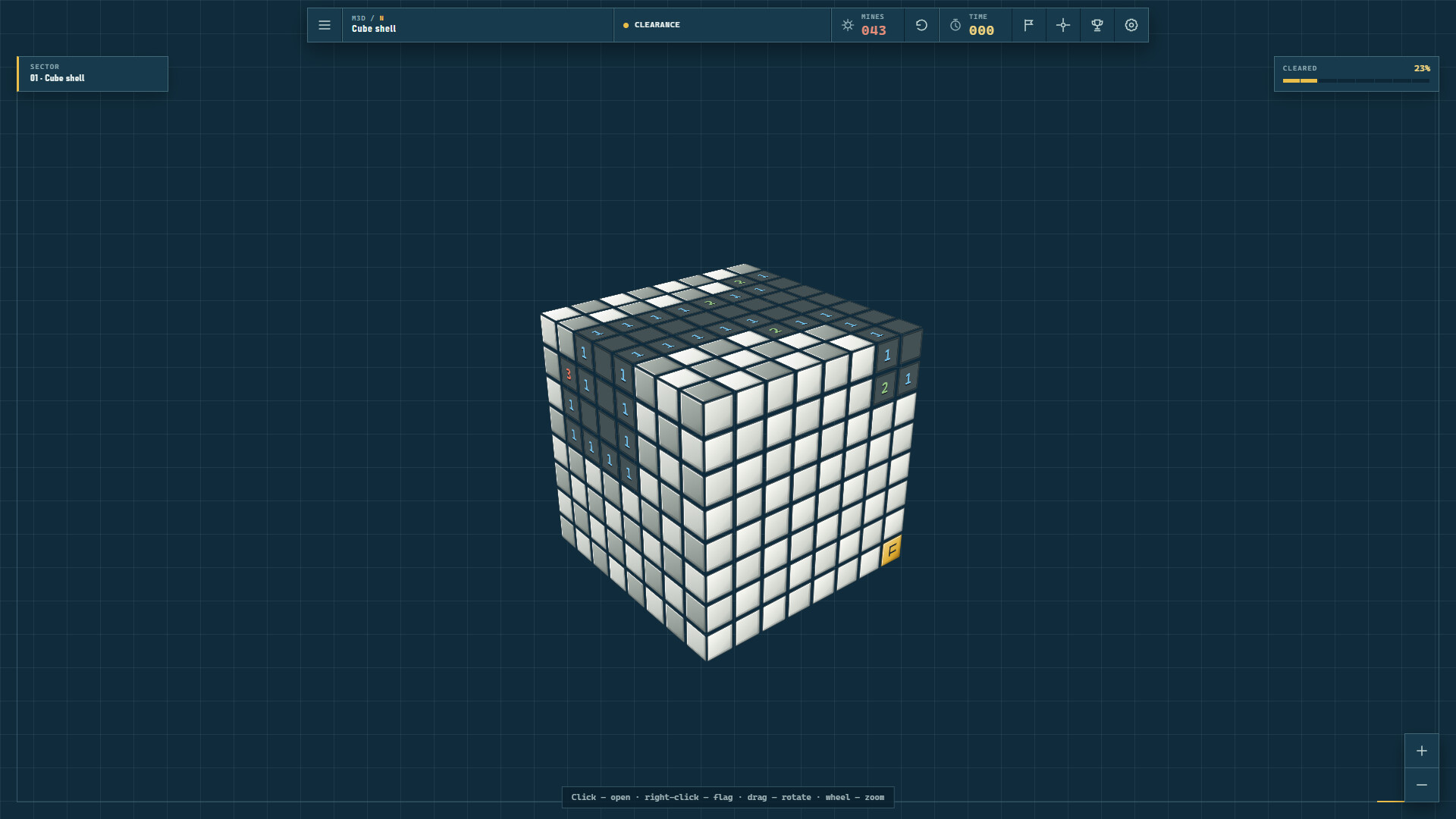
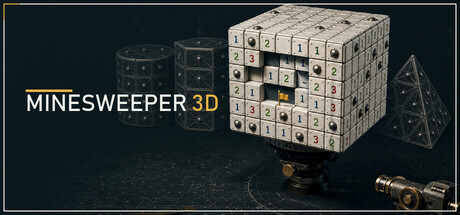
Minesweeper 3D rebuilds the familiar logic puzzle across four geometries with different cell connections. Numbers still tell you how many mines touch a cell, but each field changes how you read the space and plan the next move.
Rotate every field, follow numbers across the seams of a hexagonal prism, and read the four connected faces of a tetrahedron. Start on Novice, master each shape, then unlock the higher-risk Expert difficulty. The first move is always safe, and an unfinished round is saved automatically.
Features:
four distinct field geometries;
Novice and Expert difficulty levels;
an always-safe first move;
quick neighbour clearing around correctly flagged numbers;
automatic saving of unfinished rounds;
five achievements for mastering shapes and alternate play styles;
complete English and Russian interface localization;
mouse and keyboard controls;
untimed single-player play.
Controls | Action | Mouse | Keyboard |:
| Reveal a cell | Left click | Enter or Space |
| Toggle a flag | Right click | Shift+Enter, Shift+Space, or F on the selected cell |
| Select a cell | Point and click | Arrow keys, Home, End |
| Rotate the 3D field | Drag | — |
| Zoom | Mouse wheel | On-screen + and − controls |
| Flag mode | Flag button | F |
| New round | Restart button | R |
| Reset view | Reset button | 0 |
| Menu/back | Menu button | Escape |