




About DeskForge
Your desktop is a parking lot. Make it a command deck.
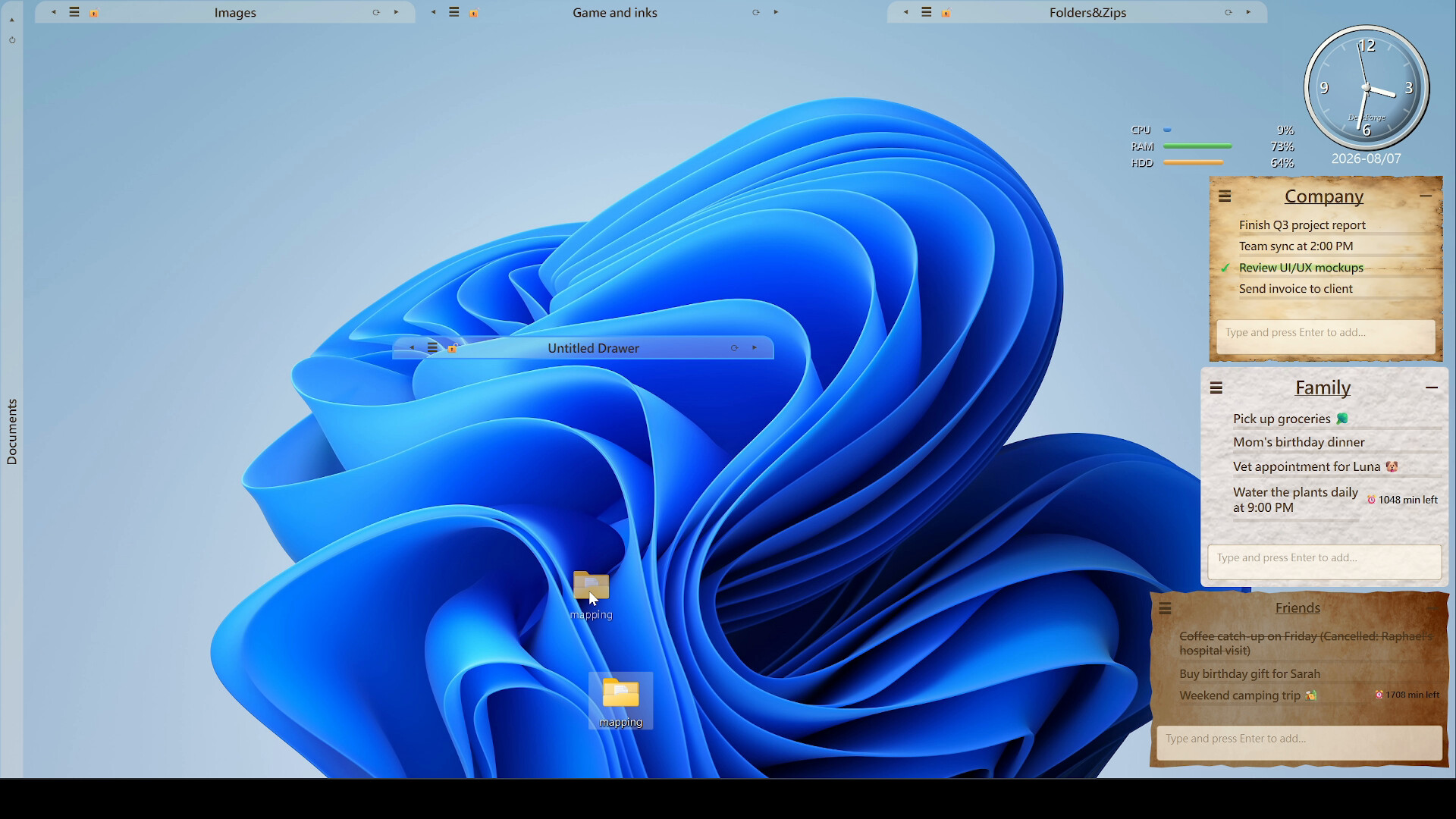
Too many icons to count? A few folders you can never find? When did you last actually see your wallpaper? Hand the lot to DeskForge and let us turn that pile into something you actually run your day from: drawers that hold your icons and folders, live widgets that show you what matters, and a whole desktop arrangement you can save and switch in one click.It lives at the very back of your desktop. No taskbar entry, no Alt-Tab clutter, and it never pulls the cursor out of whatever you're typing in. You'll forget it's running. That's the point.
Give your wallpaper a slideshow of its own. Point it at your own picture library, or use the artwork that ships with it, and the layer behind everything becomes a projection screen.
Tidy it — in one pass, not one icon at a time
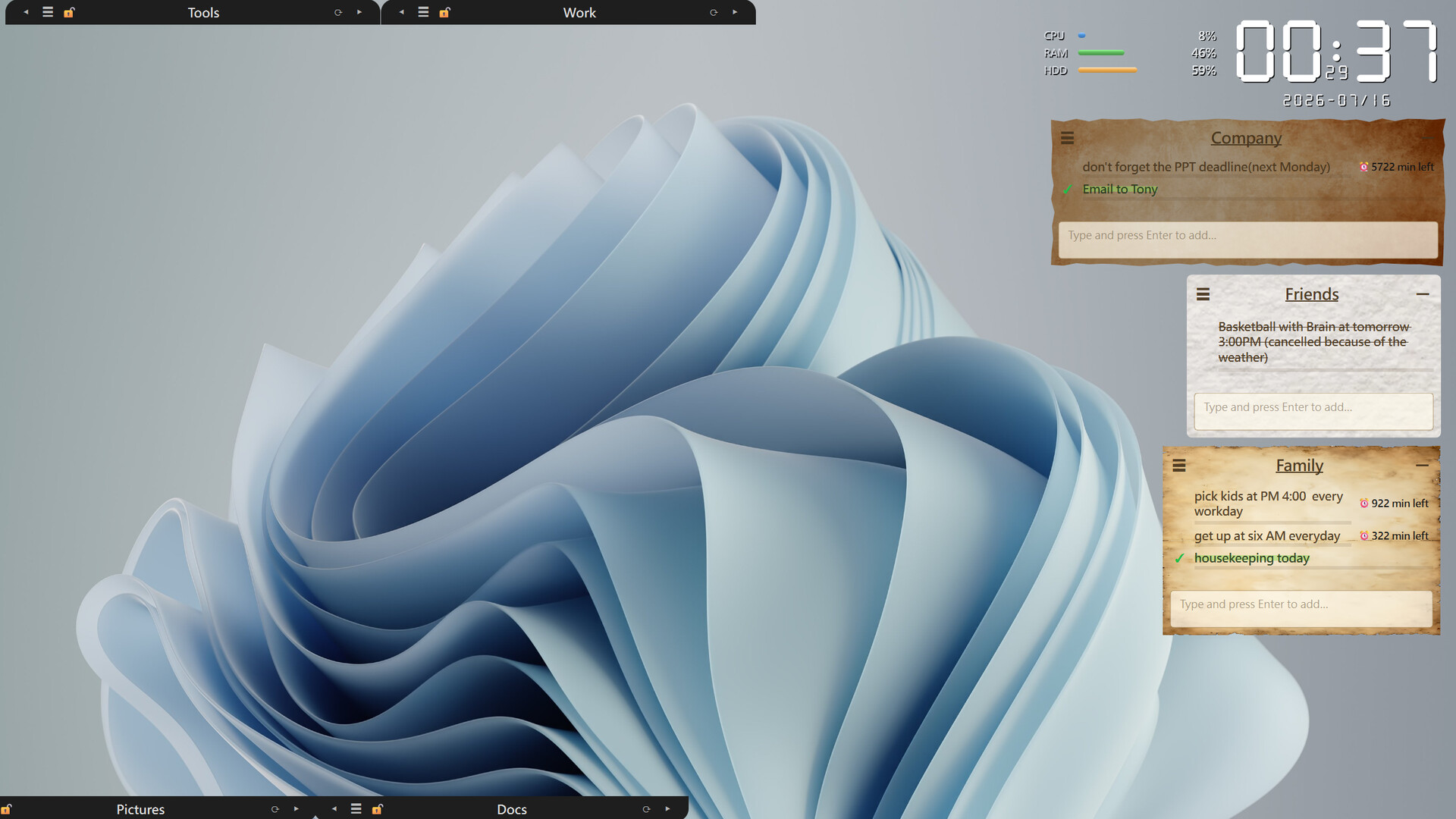
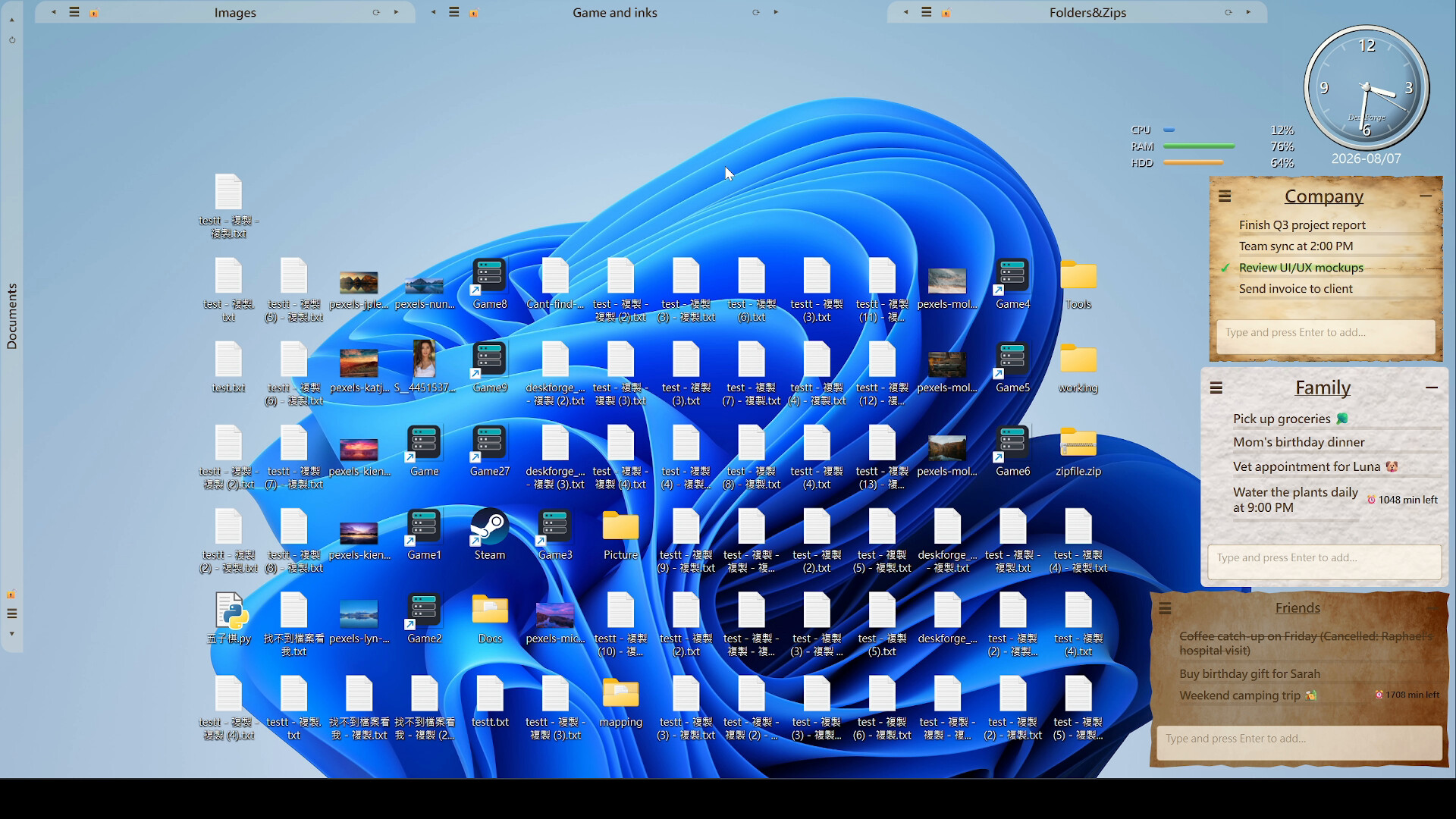
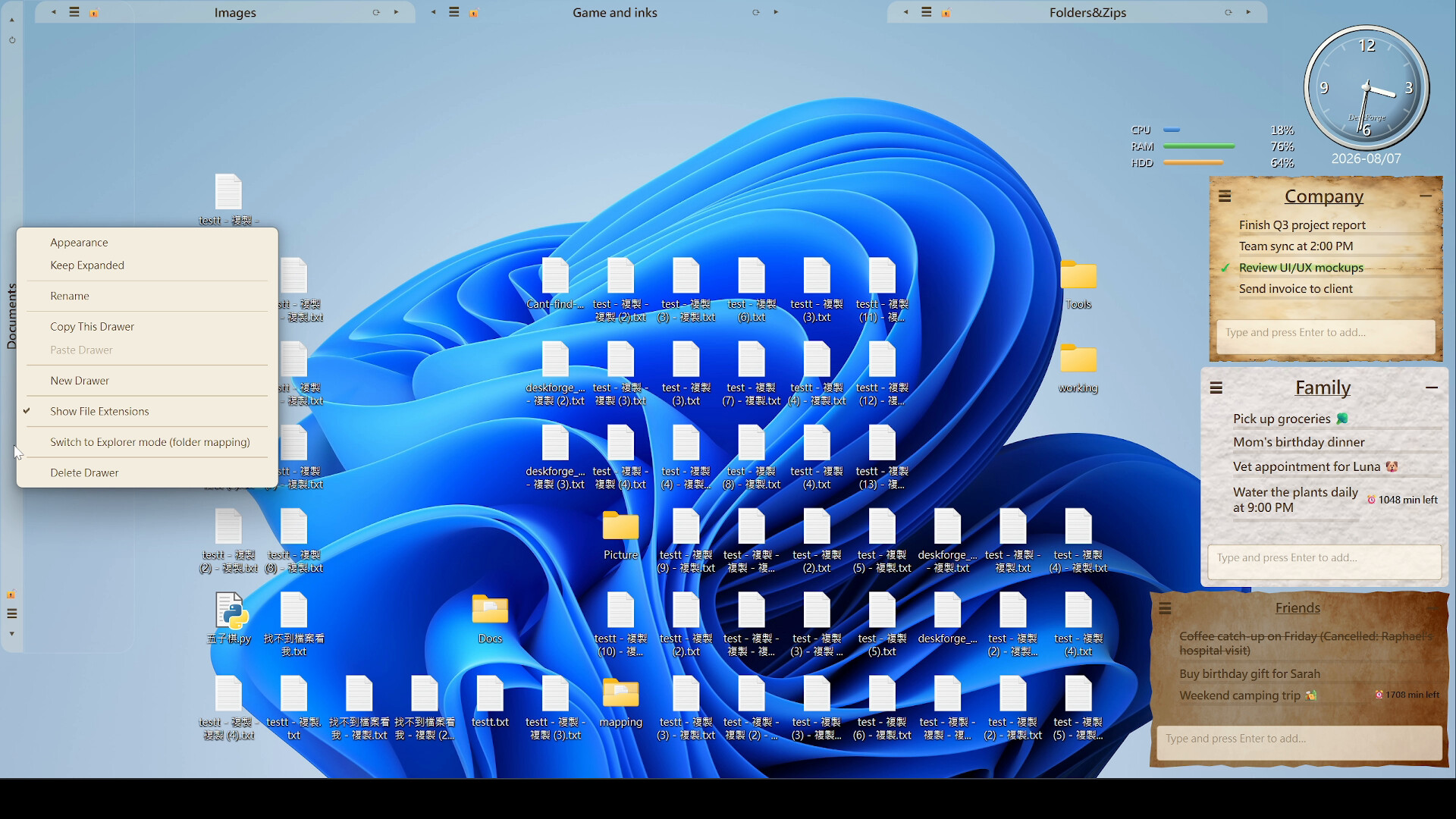
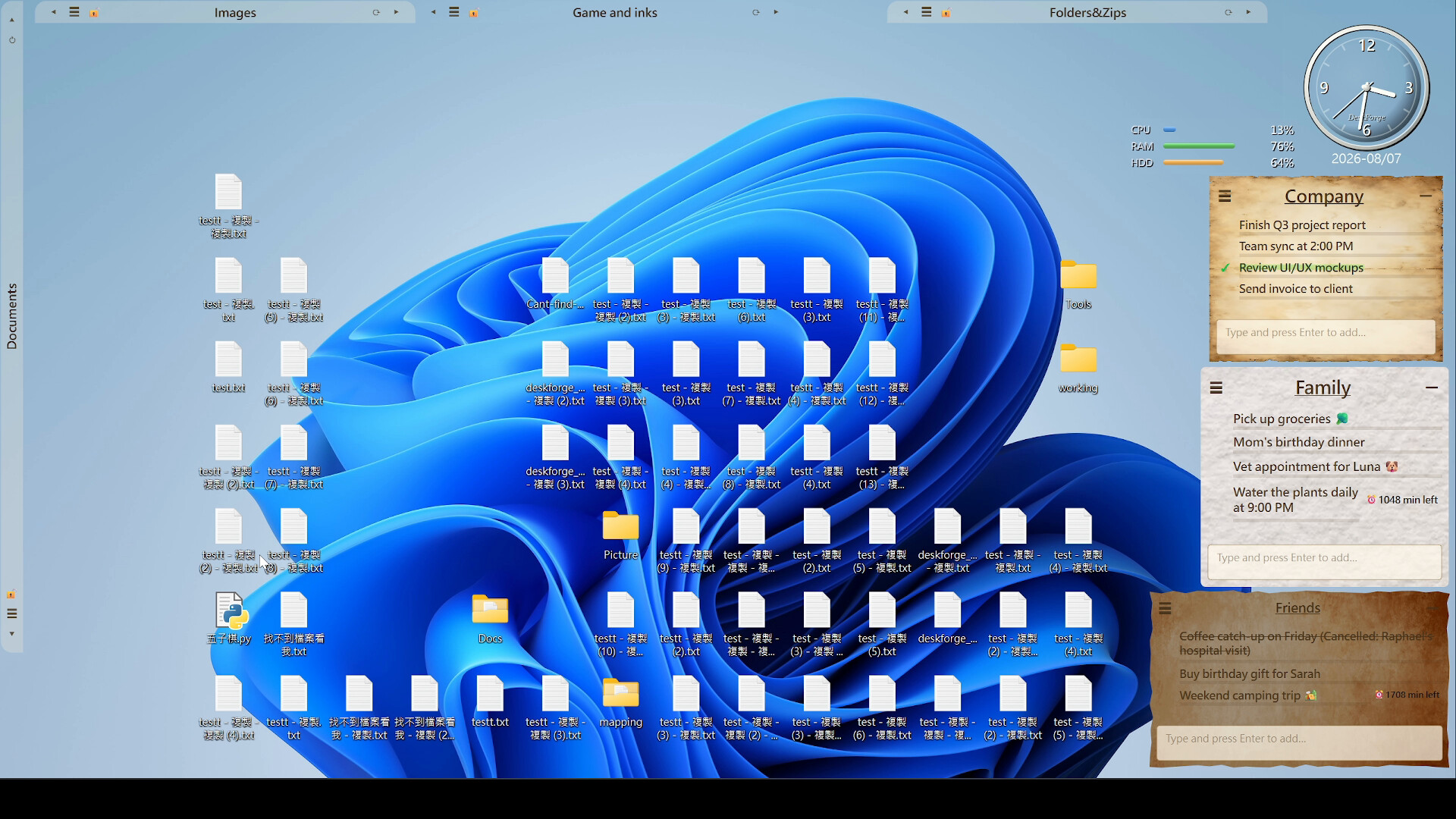
- Drawers. Drop icons, shortcuts and folders in. Resize them, roll one up into a single title bar when you don't need it, lock it so you can't nudge it by accident, and put the title bar anywhere on screen you like — it's your desktop, you design it.
- Sweep the desktop. Pull every image, document, archive, video, shortcut or folder off your desktop and into a drawer by category. One click instead of fifty drags.
- Straight from Explorer. Right-click any file or folder in Windows Explorer and send it into a drawer without leaving the window you're in.
- Hands off my stuff. Right-click to mark the icons you never want moved and every sweep will step around them.
Find it — a drawer can be a real folder
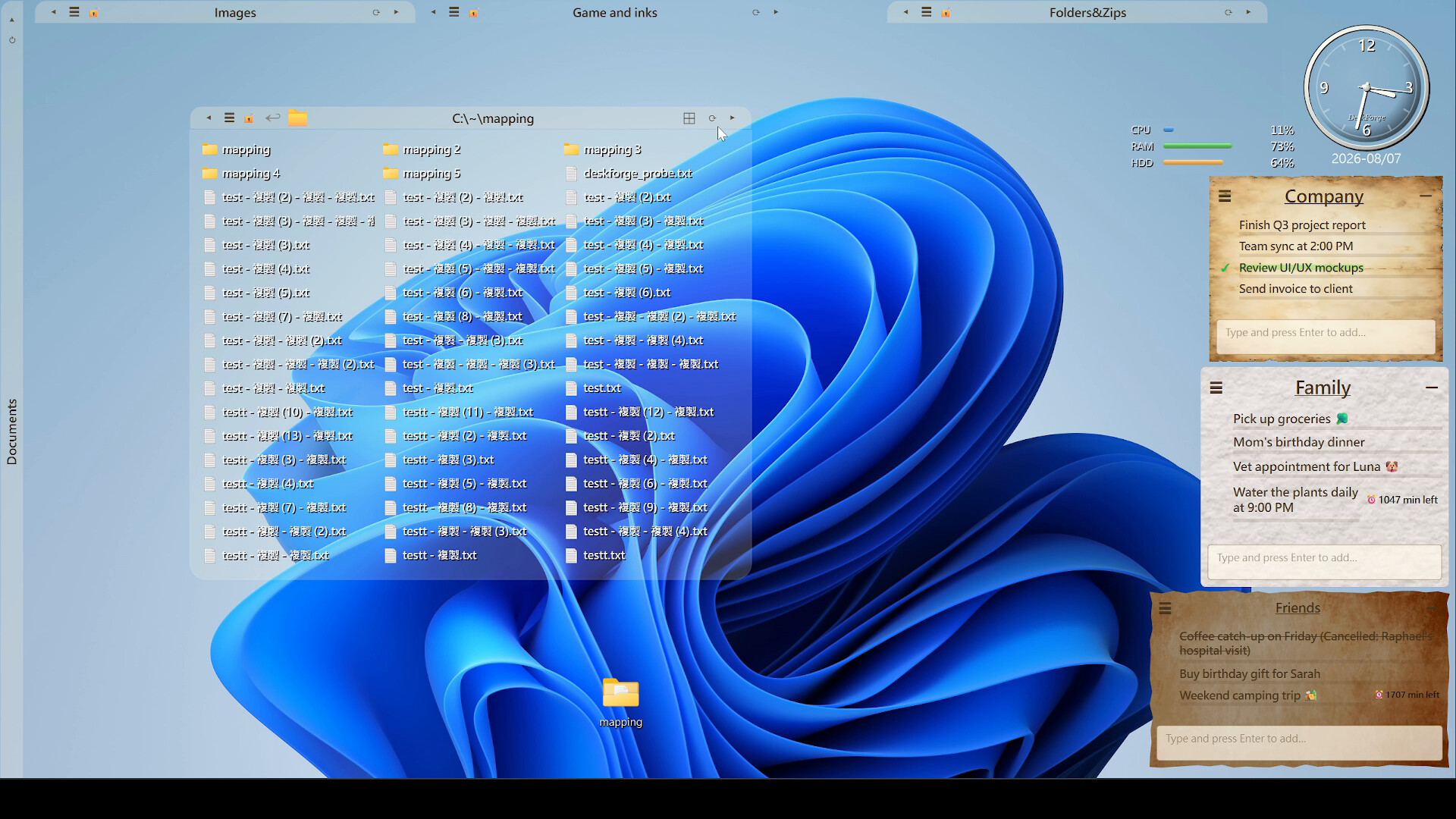
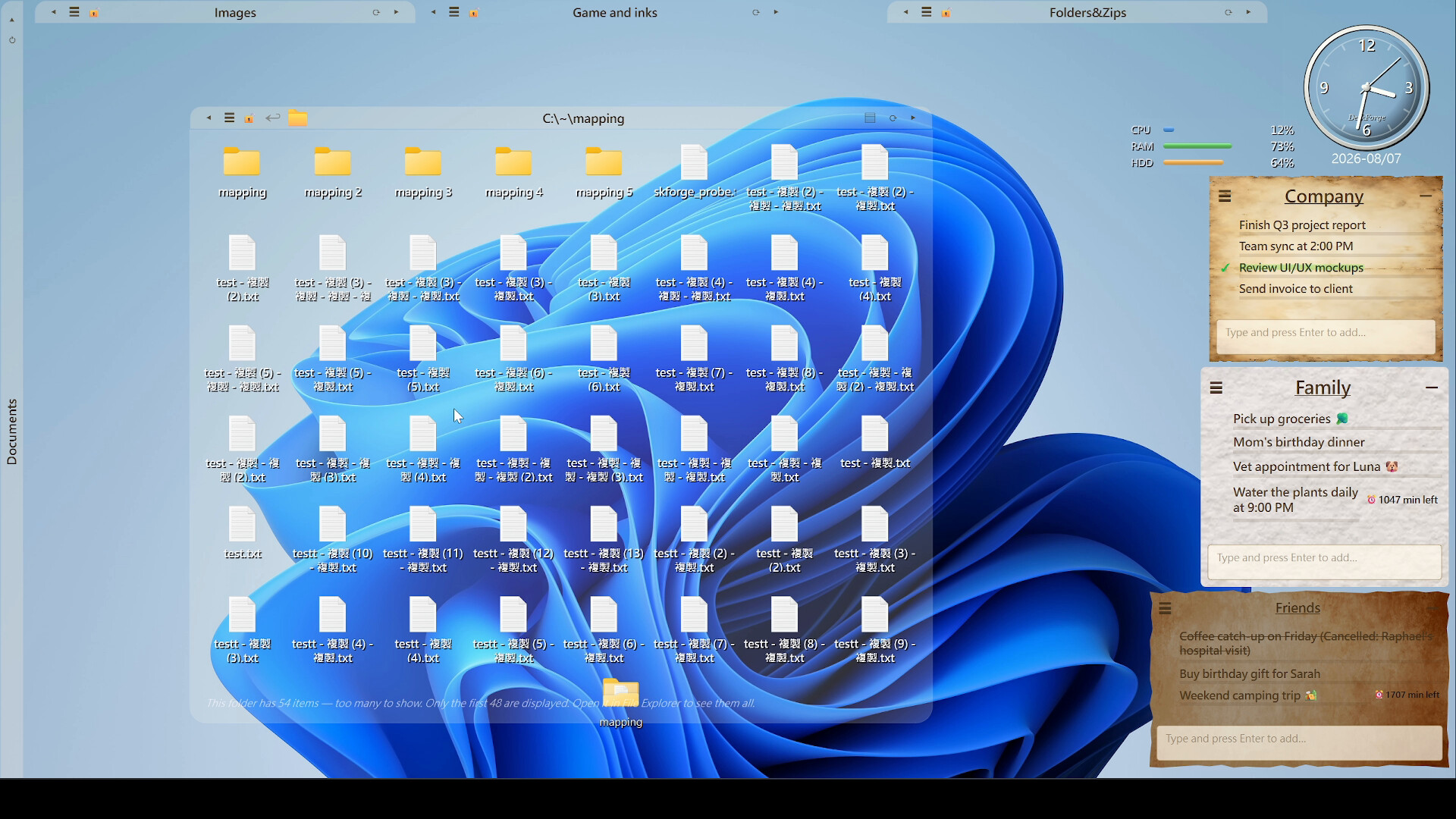
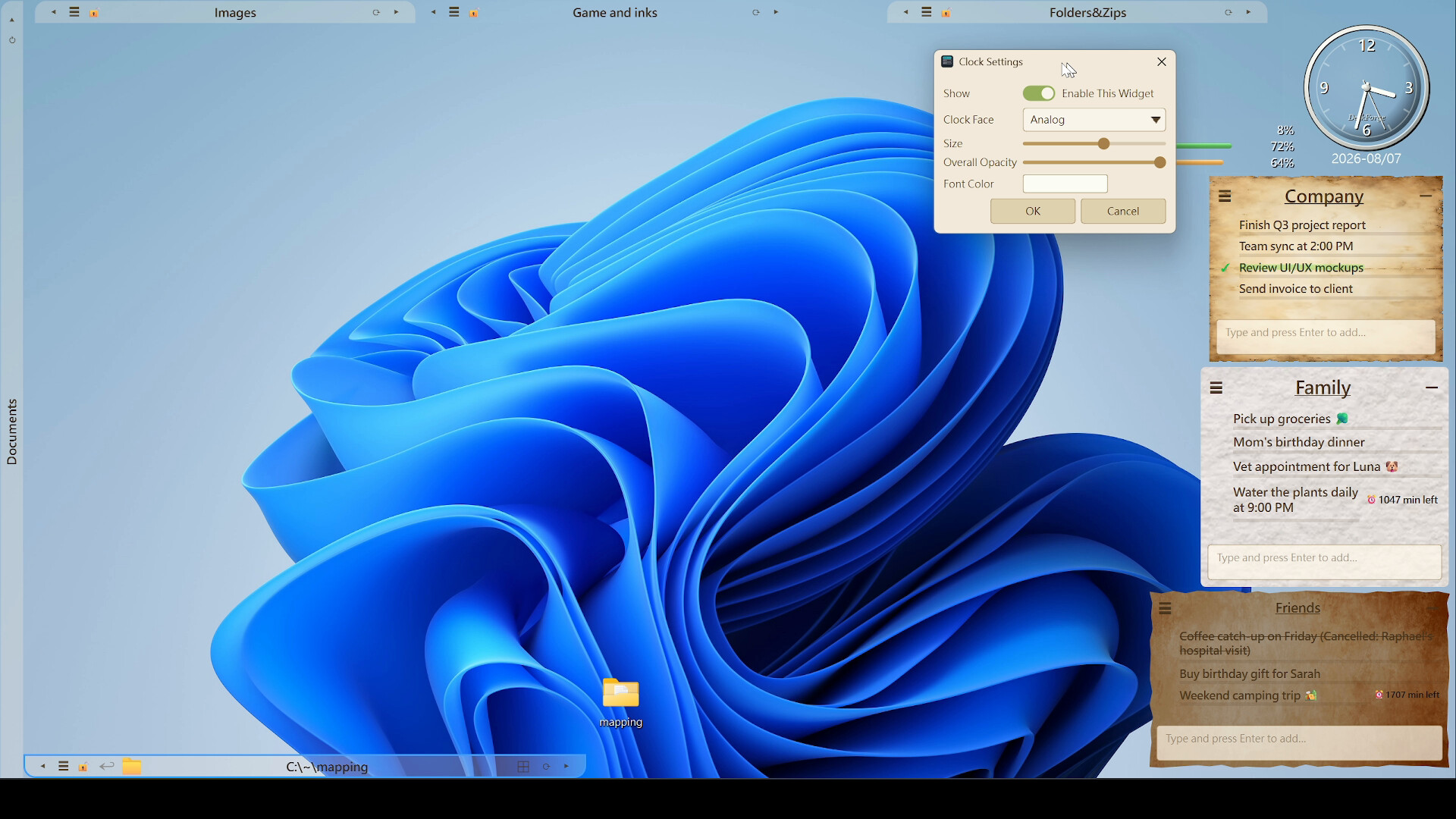
- Switch any drawer into Explorer mode and it shows a real folder from your drive, live. Step into subfolders, step back out, refresh.
- The full right-click menu is right there: open, open with, cut, copy, copy full path, rename, delete, properties, show in containing folder.
- Flip between icons and a compact list when a folder gets crowded.
- Guard rails are built in. DeskForge refuses to map a drive root, your Desktop, your user folder, system folders, or the top level of a cloud-sync folder, so you can't wire yourself into a corner.
Live widgets, right on the wallpaper
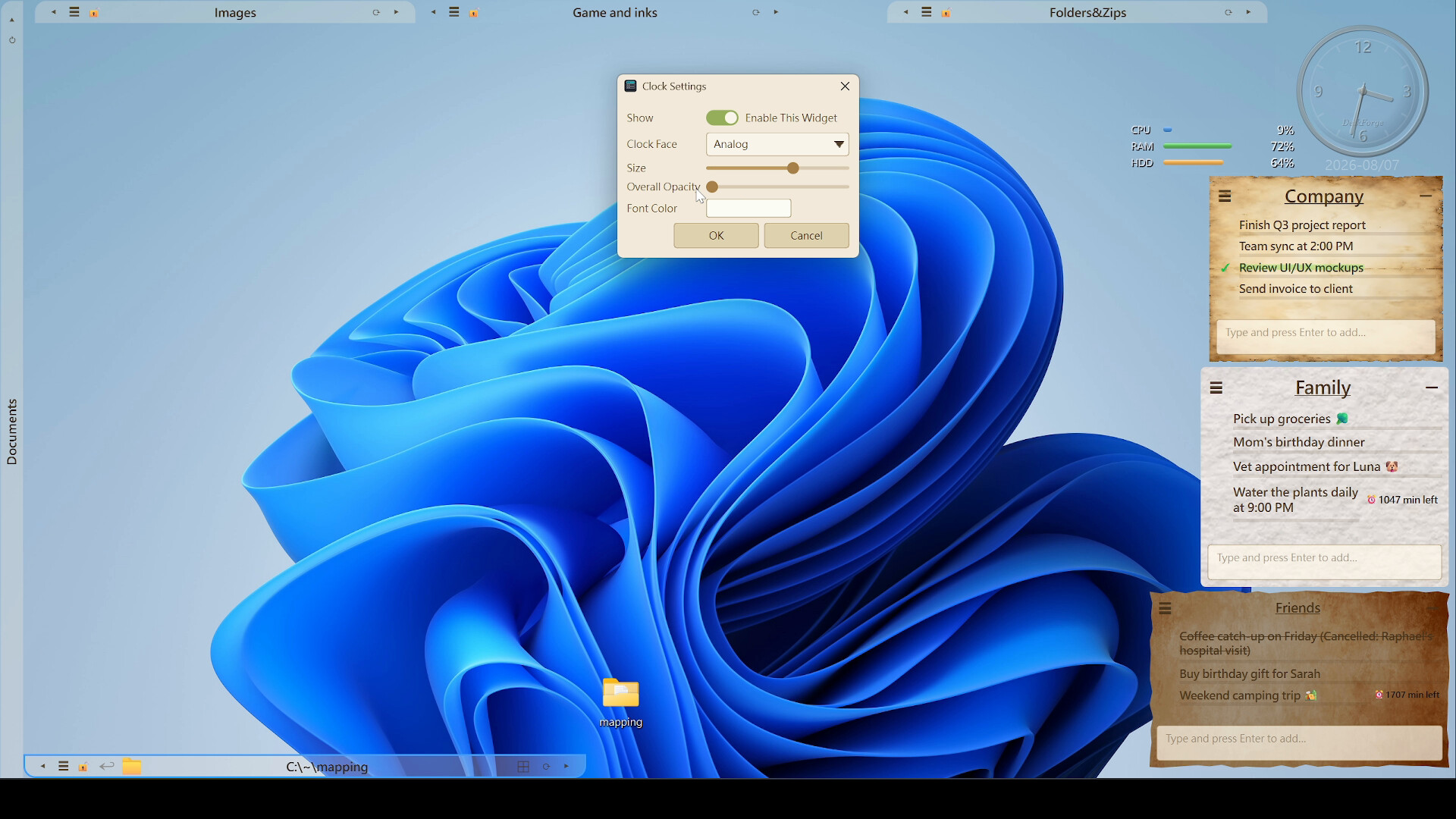
- Clock — digital or analog, scaled to whatever size suits your screen.
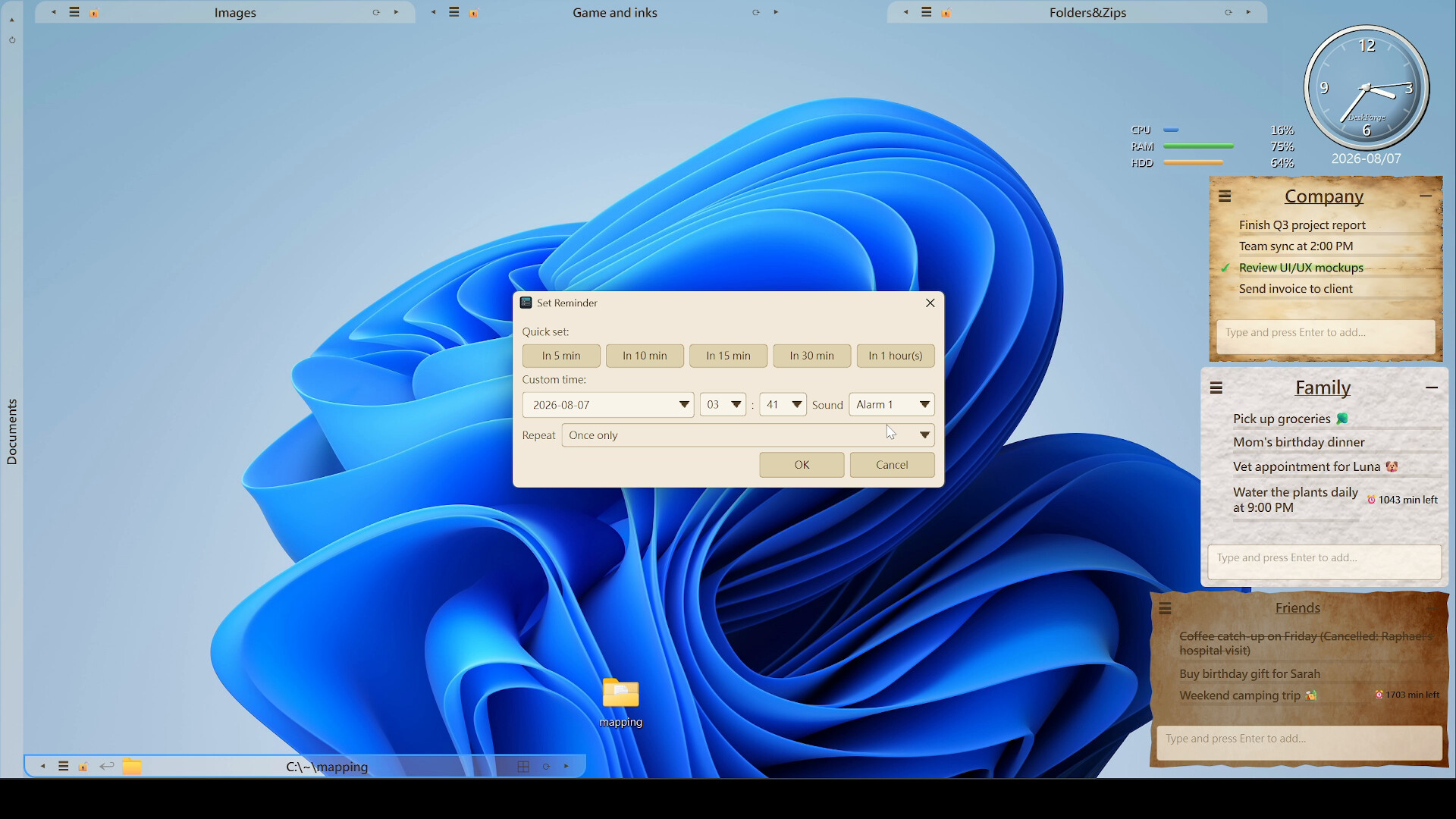
- Sticky notes — as many as you want. Every single line can carry its own reminder, repeat daily or on weekdays, and ring one of 20 alert sounds. Four paper textures to choose from.
- System monitor — CPU, RAM and disk at a glance, with a flash when something pegs.
One desktop per job
Save your entire arrangement as a layout — Work, Gaming, Editing — and switch between them from the tray in one click. Export a layout to a file to carry it to another machine, or hand it to someone else — your private drawer contents stay with you, of course.Quiet is the whole design
- Always at the bottom of the stack. Never in the taskbar, never covering your windows, never stealing focus mid-sentence.
- Built to stay under 1% CPU and 80 MB of RAM. And it measures itself — the number sits right in the DeskForge system menu. You don't have to take our word for it — just trust your own eyes.
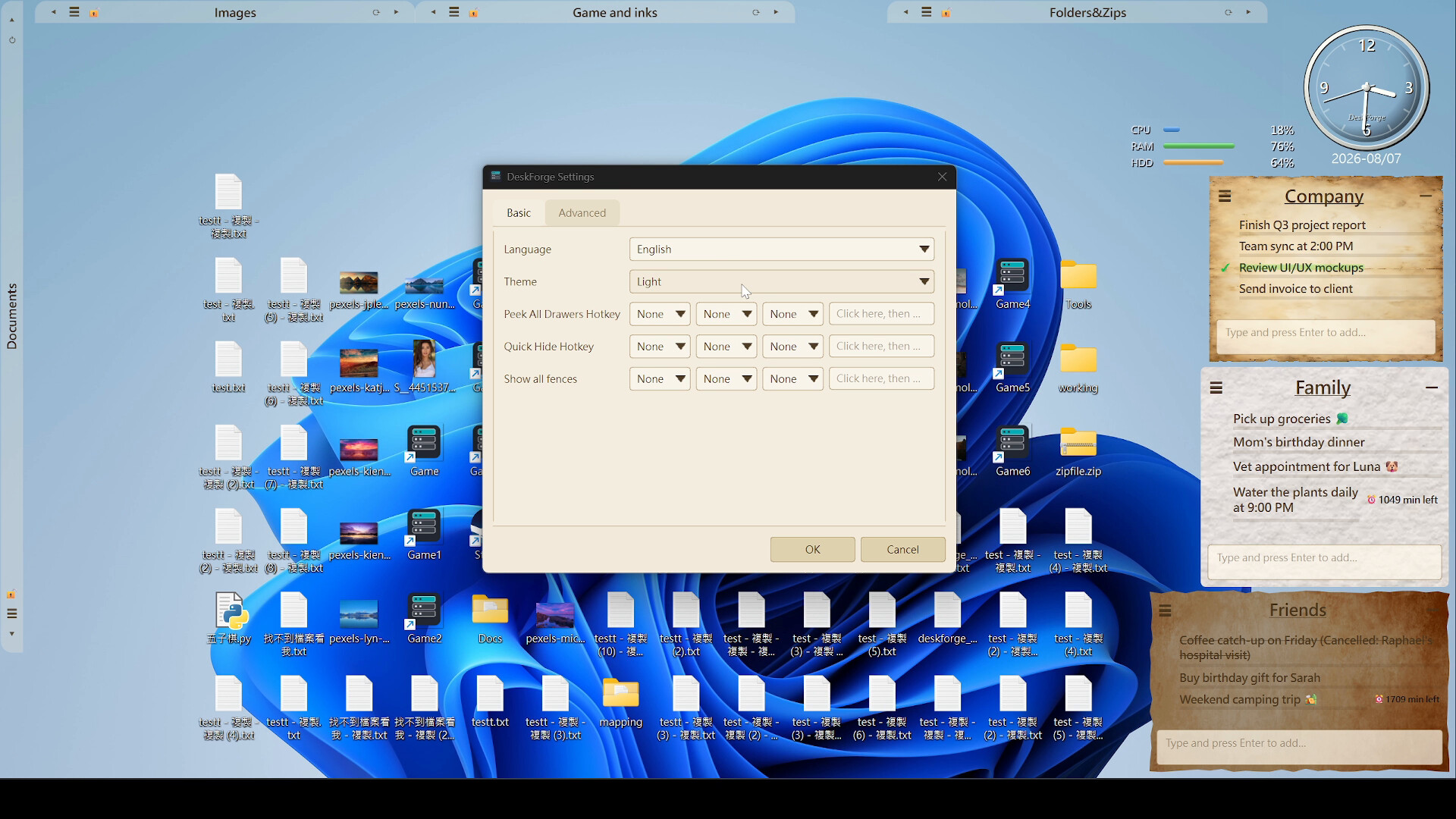
- Global hotkeys. Flash every drawer to the front, hide everything instantly, or open all drawers at once.
- Starts with Windows if you want it to. Quit it and everything comes back exactly where you left it.
Your files stay yours
No account. No sign-in. No cloud service in the loop. Your layout lives in a local database on your own PC, and the files you drop into drawers sit in an ordinary folder you can open in Explorer any time. Double-click the desktop clock and DeskForge takes you straight to it. It will even leave a plain-text "where did my files go" note on your desktop if you ask. Nothing is locked away in a format only this app can read.Make it look like yours
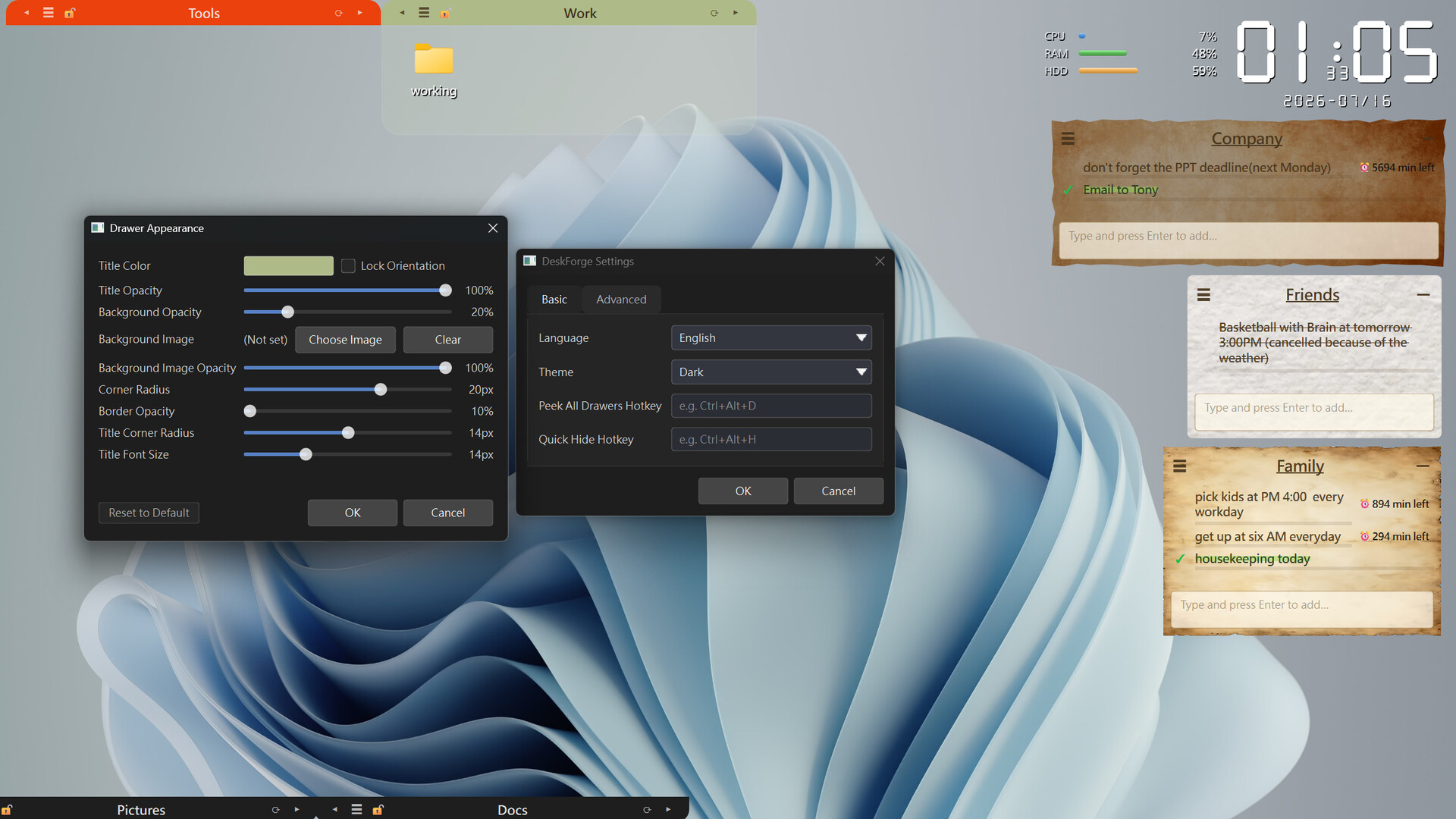
- Dark and warm-light themes.
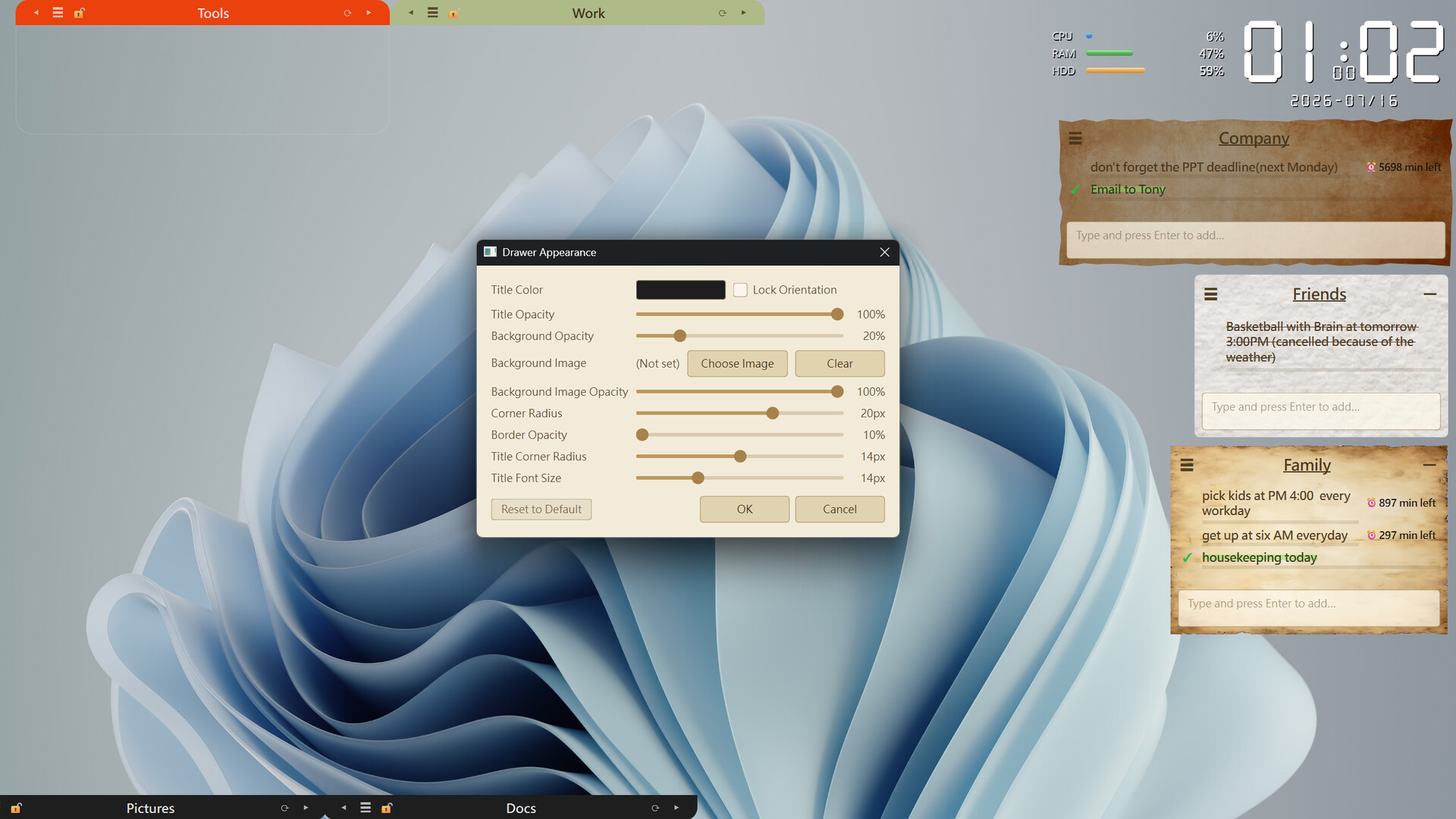
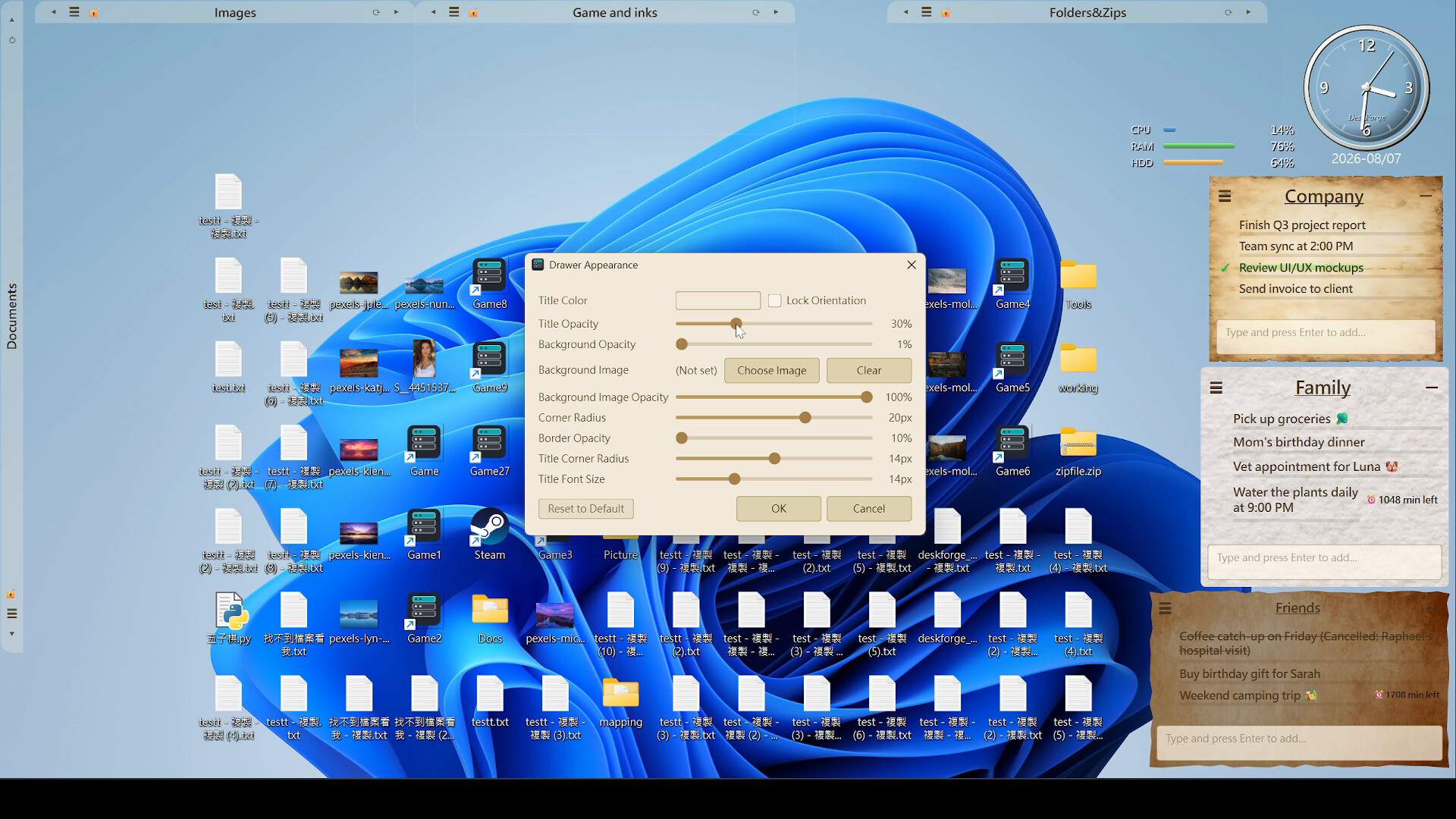
- A skin per drawer: background colour or image, separate opacity for title bar, body, border and background image, corner radius, title colour and size.
- Interface in 10 languages — English, 繁體中文, 简体中文, 日本語, 한국어, Español, Français, Русский, Português (Brasil), Português (Portugal).
Optional add-ons
DeskForge is complete on its own. Everything above is in the base app — the packs below are extra tools and artwork for people who want them, not core features held back.- Tomato Clock and Advanced — a Pomodoro timer with focus and break cycles, configurable rounds and its own alert sounds, plus a timer, a countdown, a stopwatch, an alarm and a 20-city world clock.
- Dial Packs — 28 hand-built mechanical watch faces across five packs: Dress, Pilot, Diver, Sport, and Vintage pocket watches. Real depth lighting, a smooth sweeping second hand, and a carousel that rotates through your favourites on a schedule. Scale one up until it fills half the screen and it becomes the centrepiece of the desktop.
- Watch Strap Pack — 16 straps in leather, brushed steel, rubber and NATO nylon, laid flat beneath the dial or wrapped around it in 3D.
- Built to grow — widgets plug into the base app rather than being welded to it, so the desktop can keep gaining new ones without the core changing. We're still building.
Specifications
- Windows 10 (version 1903 or later) and Windows 11
- Correct scaling at 100%, 125%, 150%, 175%, 200%, 250%, 300% and 400% DPI
- Works across multiple monitors
- Local SQLite storage — no core feature needs a network connection
- One-time purchase, no subscription
Legal Notice of DeskForge
© 2026 XYwinStudio All rights reserved.