




About Vealo - Clean Desktop
A clean desktop in one click
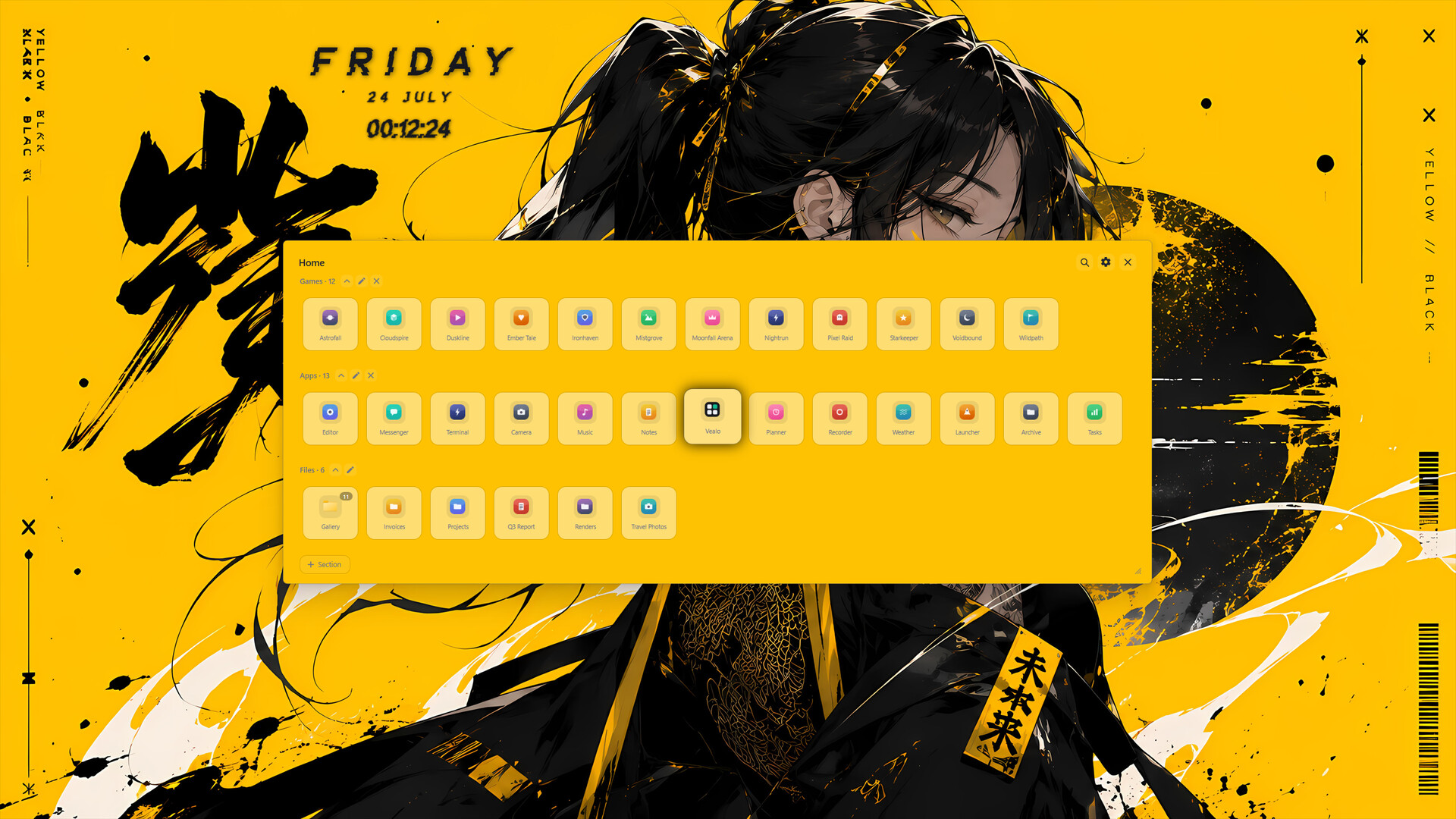
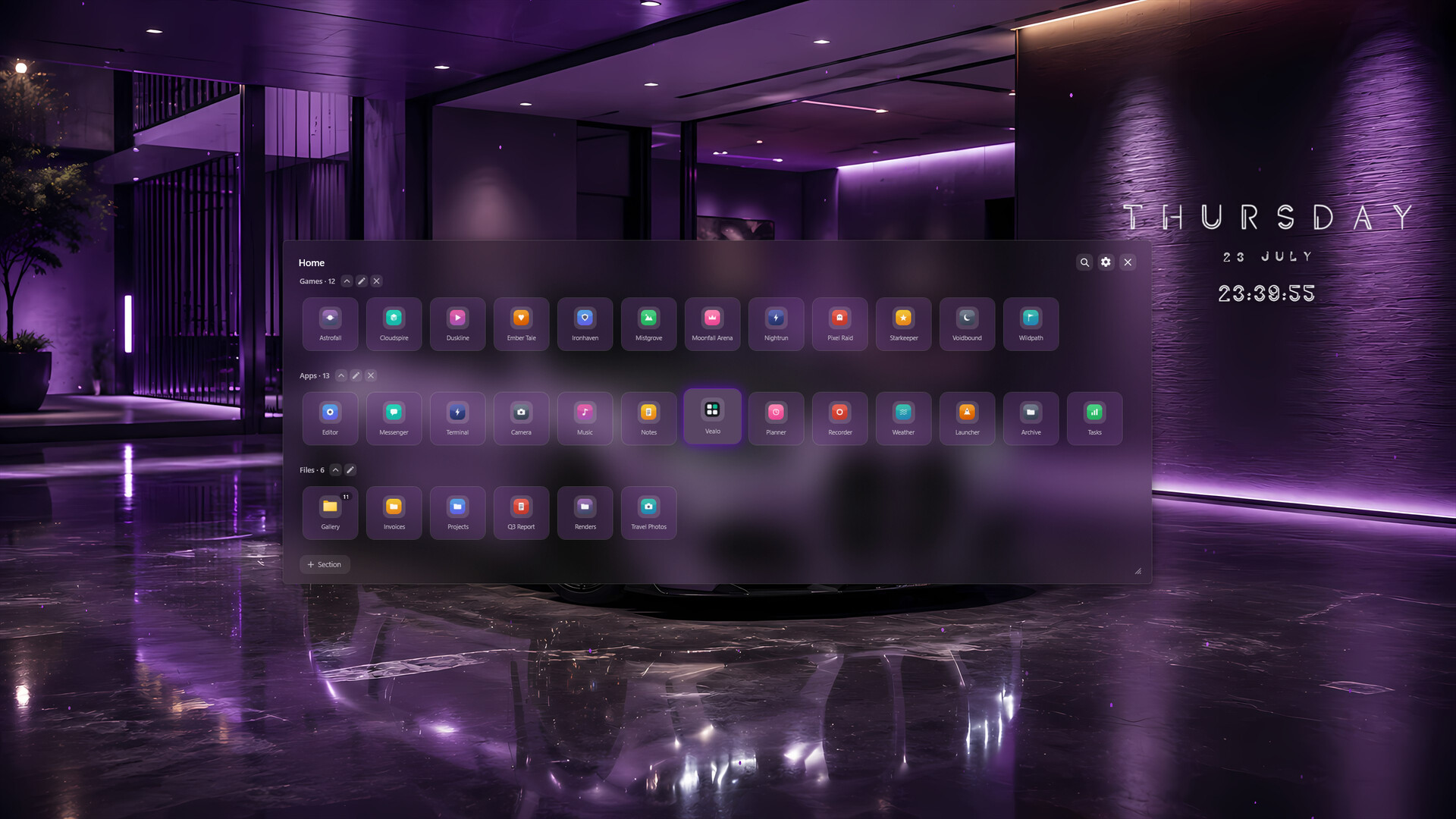
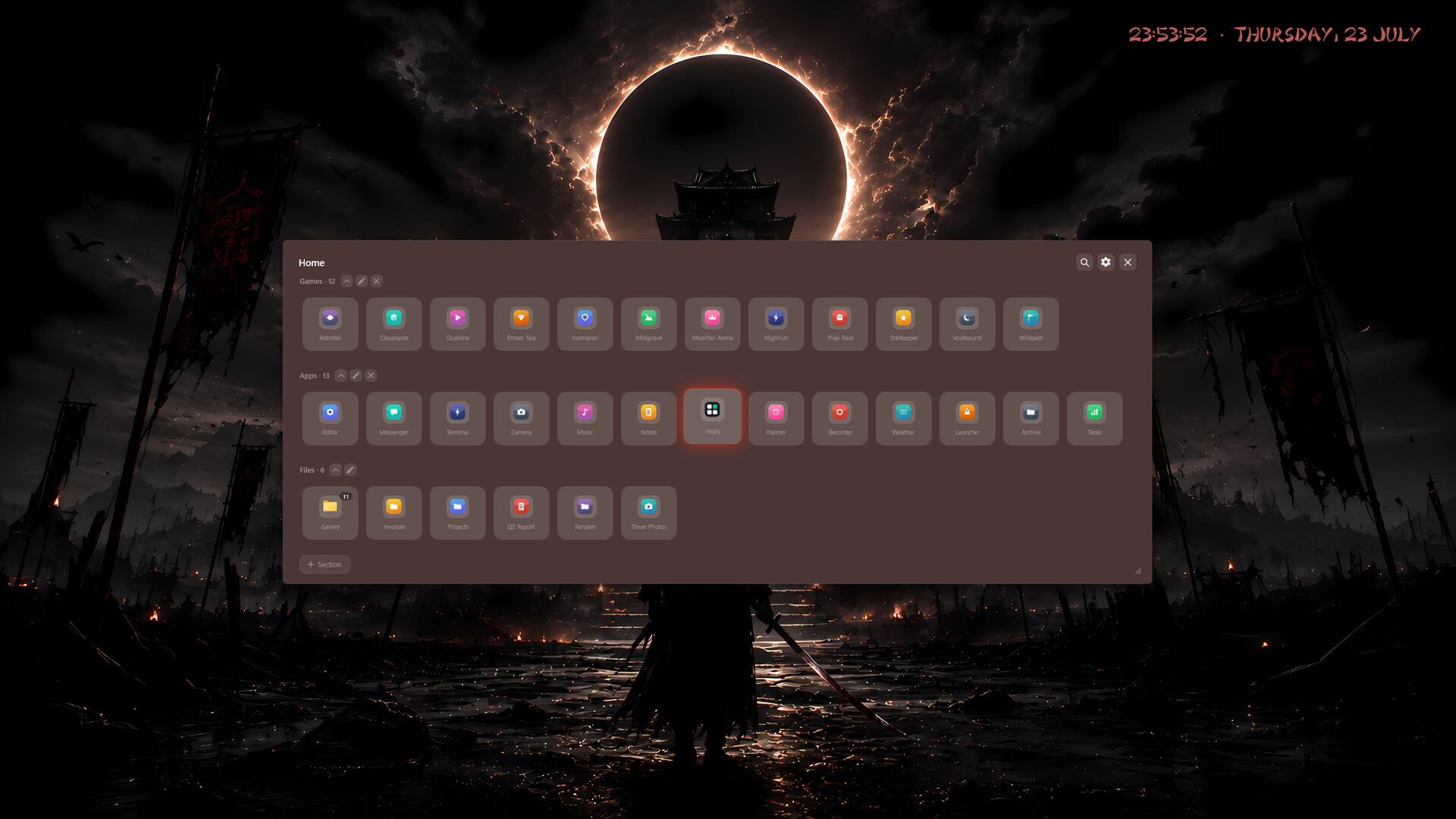
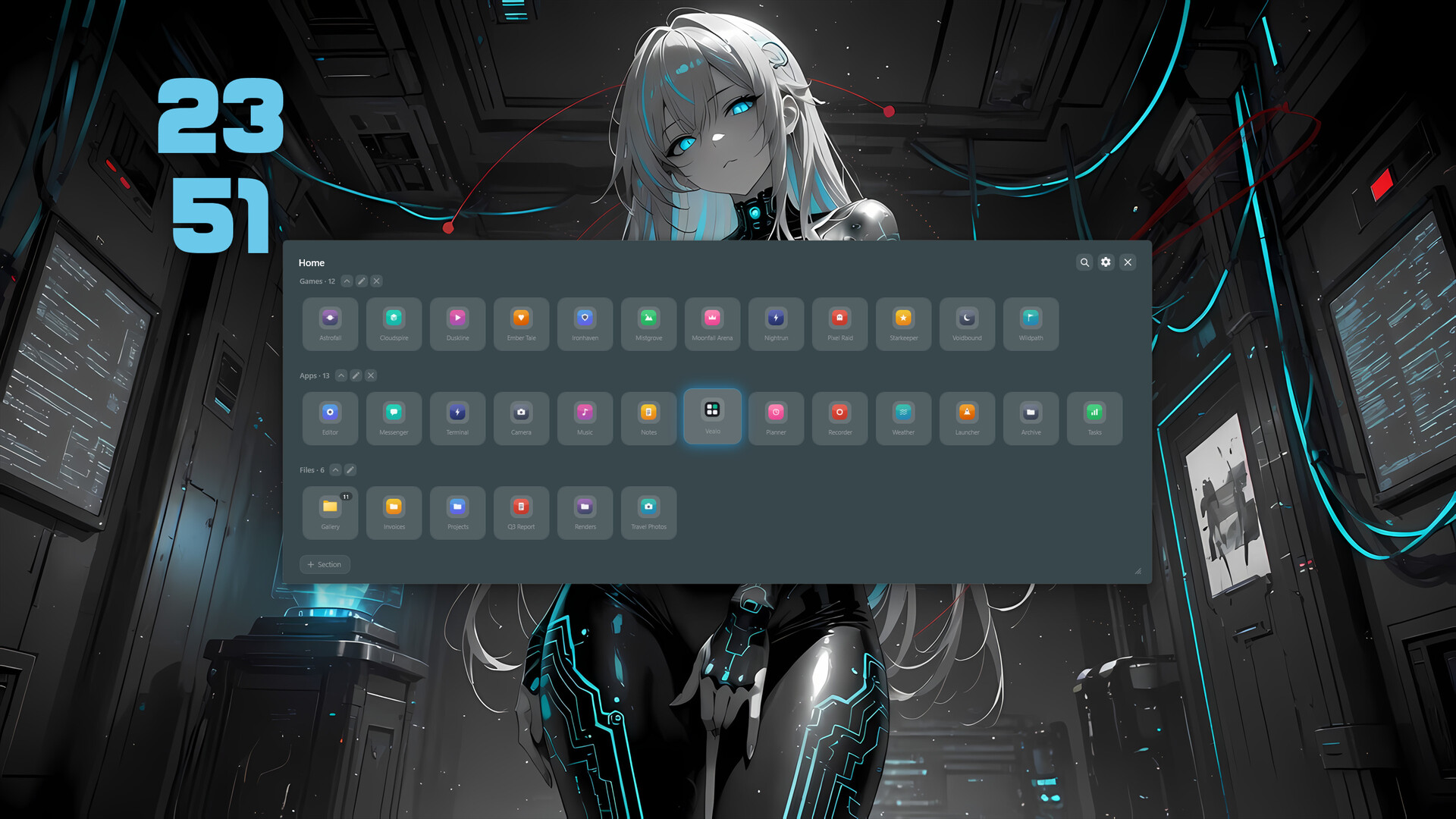
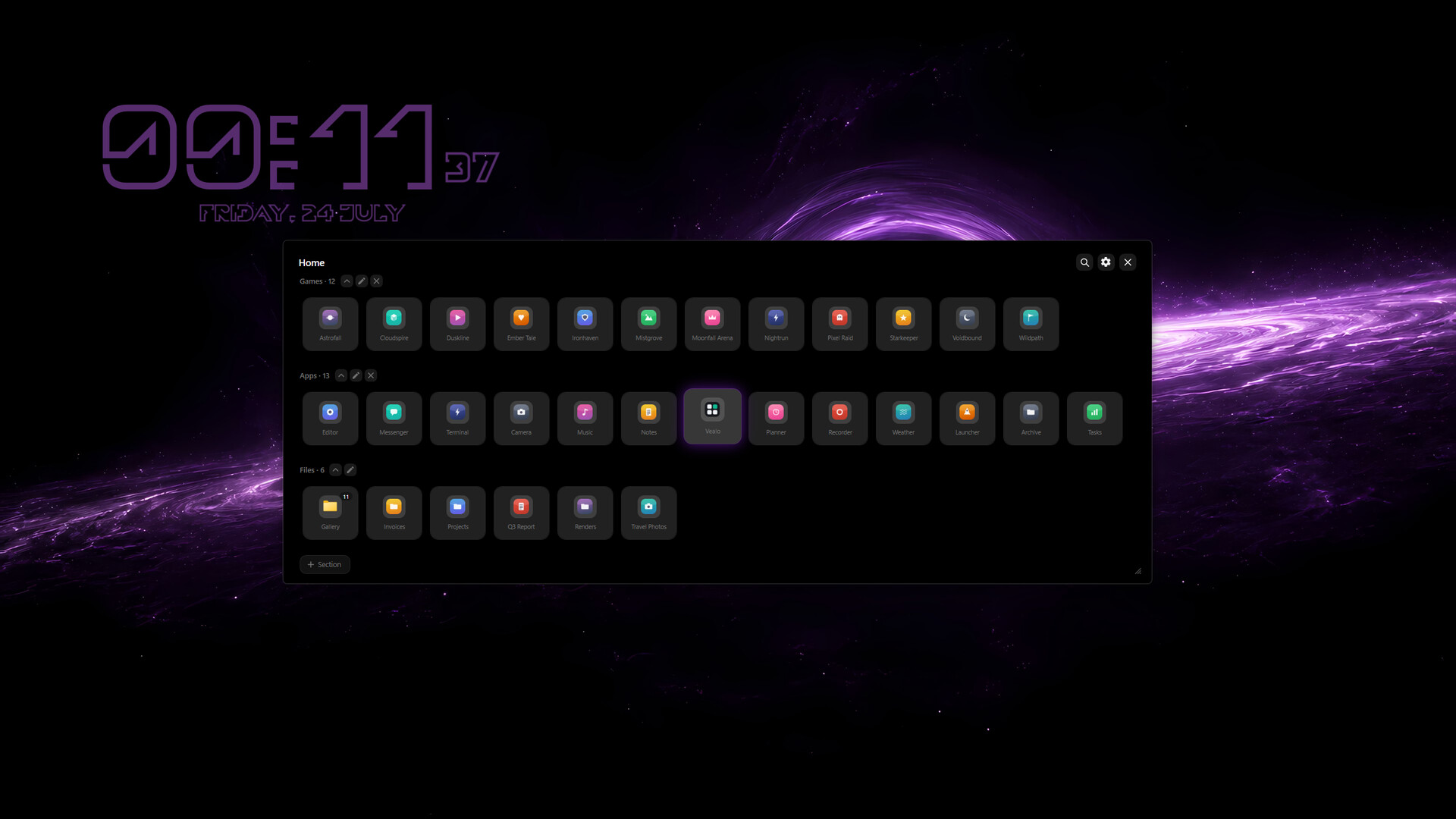
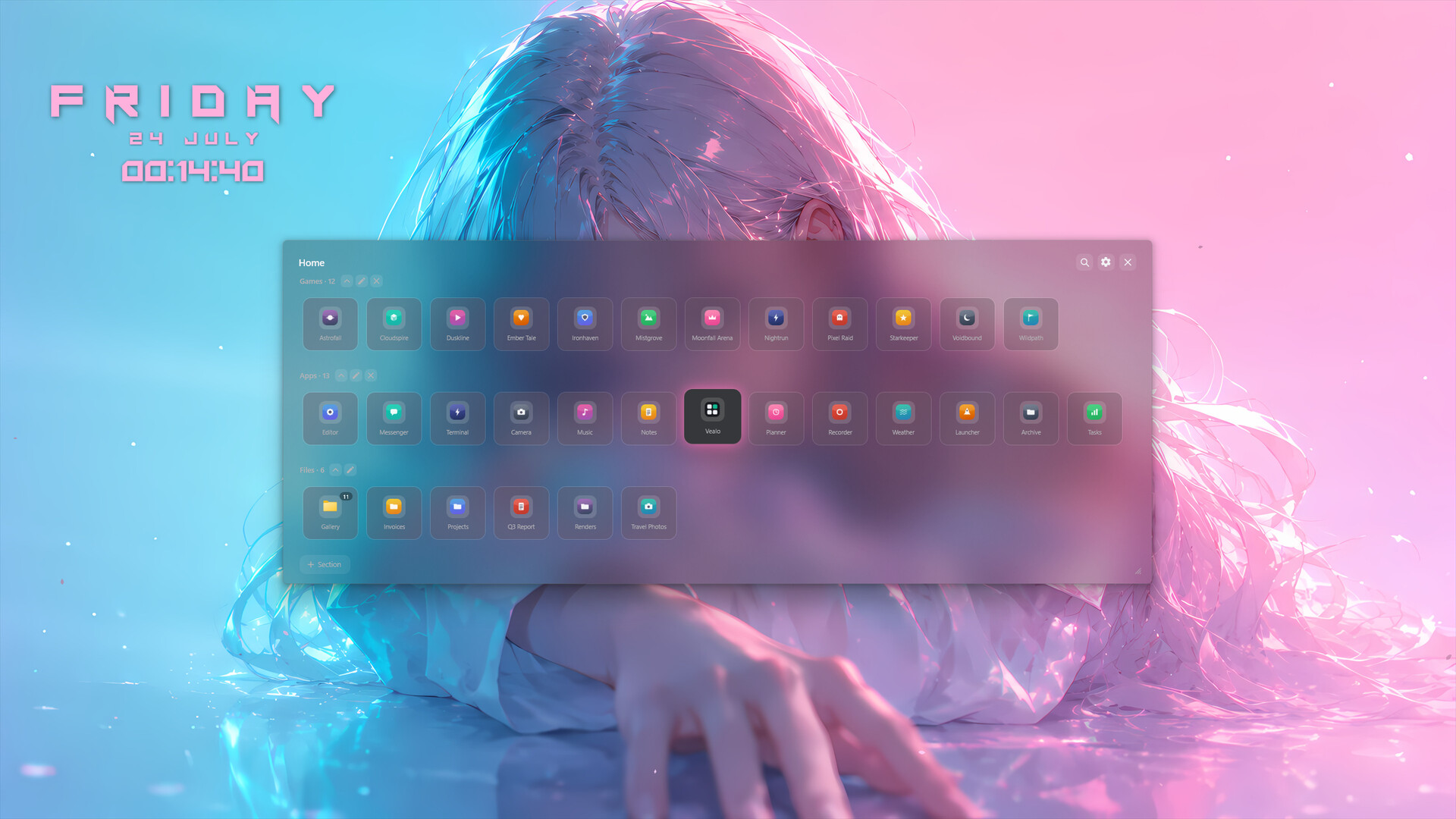
Vealo tucks every desktop icon into one beautiful panel. Click an empty spot on the desktop or press a hotkey. The panel opens: inside are your shortcuts, folders and files, sorted into sections by you, with instant search. Close it. The desktop is perfectly clean. Nothing is deleted or moved: every icon stays right where it was, just out of sight.
A panel that works
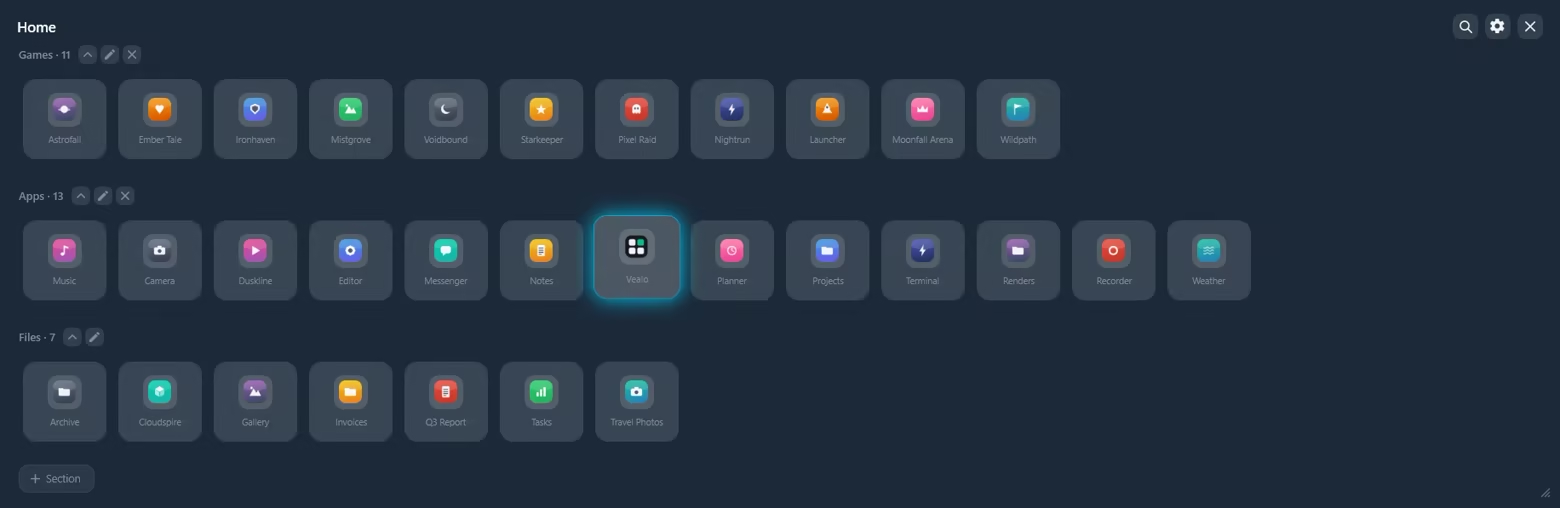
Create sections: Games, Work, Projects, whatever you like. Drag, rename and collapse them like in a normal file manager.
Search: type a couple of letters and launch anything instantly.
Viewer: image thumbnails and full viewing right from the panel.
Multi-monitor: the panel opens wherever you want it.
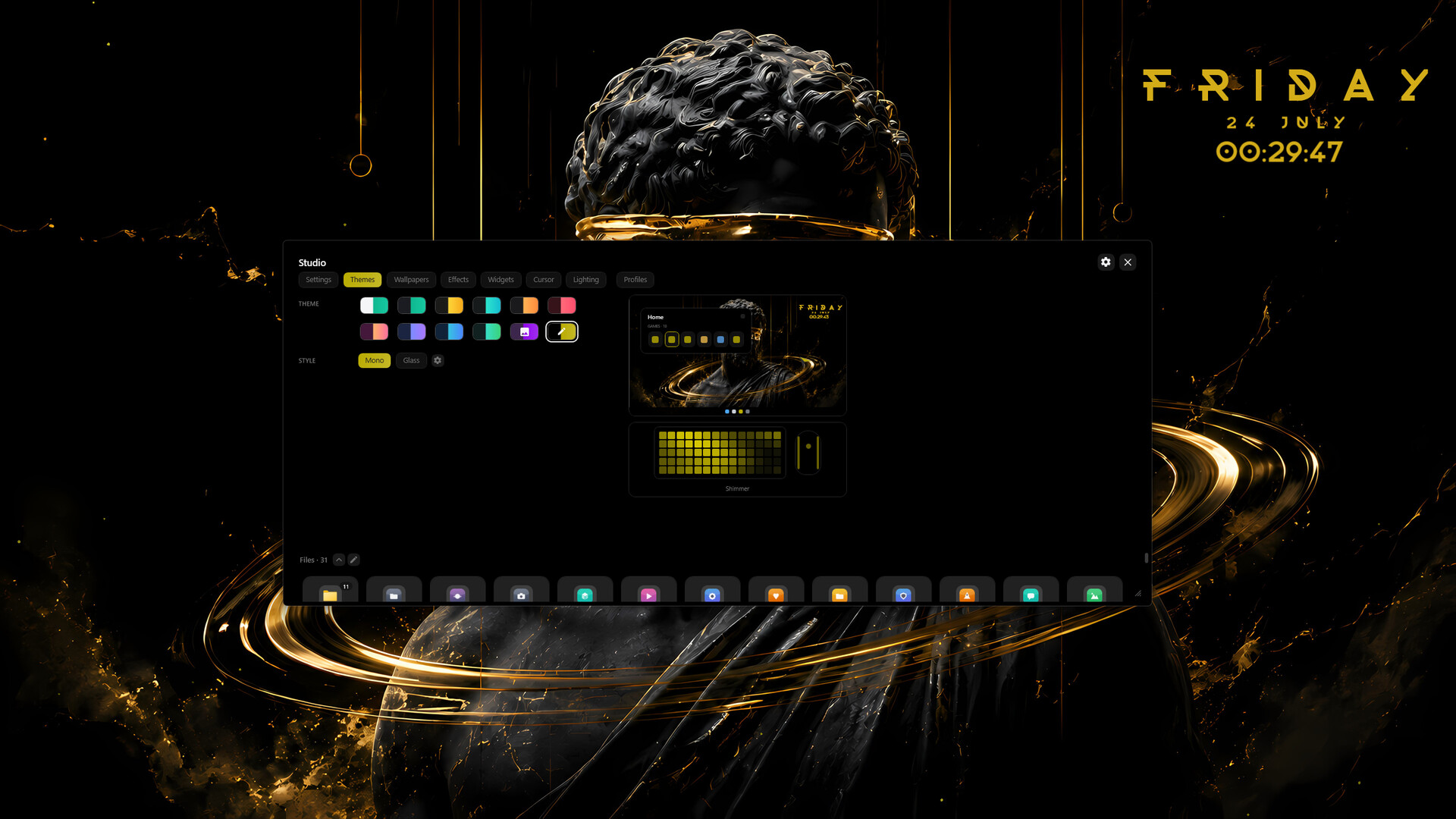
Studio: paint all of Windows
One setup, one style. Every detail of the desktop follows your theme:
Themes and styles: ready-made palettes, the Mono style or real glass. The taskbar takes your theme colour, and all of Windows switches between light and dark along with it.
Wallpapers: a gallery of 128 wallpapers, from anime and cars to cities, cozy scenes and nature. Or set your own file.
Desktop clock: a widget right in the wallpaper layer. Styles, fonts, any colour, drag it with the mouse.
Live effects: rain, snow, leaves or sparks over the wallpaper but under your windows. With game mode on, effects switch off and never get in the way.
Cursors: shapes from classic to neon, any colour, dark or light outline.
Lighting: keyboard, mouse and mousepad in your theme colour. Razer works right away, while SteelSeries, Corsair, Logitech and hundreds of other brands connect through the free OpenRGB. Effects from static to wave and fire.
Profiles: your whole setup (theme, wallpaper, cursor, lighting, effects) saves to a slot and comes back in one click.
Light and private
Vealo is a native Windows app. It starts with the system, sits quietly in the tray and barely uses resources. No accounts, no tracking, no background noise: your files never leave your PC.
What is free and what is Pro
The free version is not a demo. It fully includes:
hiding and summoning the panel, search, viewer, multi-monitor
all ready-made themes and both styles: Mono and Glass
taskbar colouring, light and dark system mode
the whole gallery of 128 wallpapers
the Rain effect with full tuning
the clock with two fonts
two cursors in any colour
lighting: static and breathing, full colour tuning, eyedropper
2 sections and 2 setup profiles
The Vealo Pro add-on unlocks:
a theme built from your wallpaper colours and fully custom colours
all live effects: snow, leaves, sparks
all clock styles and fonts
all cursor shapes
all lighting effects: wave, fire, rain and more
all panel opening animations
icon size, glass transparency, neon strength
unlimited sections and profiles
wallpaper on the lock screen too
You can try every Pro feature before buying. Click it in the free version to see a live preview right on your desktop.