




About Daymark
Beyond games, you still have a status of your own✨
Steam lets your friends see what you're playing. But once you leave a game to work, study, create, or listen to music, all they usually see on their friends list is “Online.”
Daymark brings those moments beyond games into view.

Show the app you're using, the music you're playing, or a line you've written as your Steam status under Daymark. Meanwhile, a desktop companion shares that time with you, gradually turning each passing status into growth, a record of your journey together, and memories you can return to later.
A status for your friends. A Daymark for yourself.🐾
• Open an app and enter Immersion💻
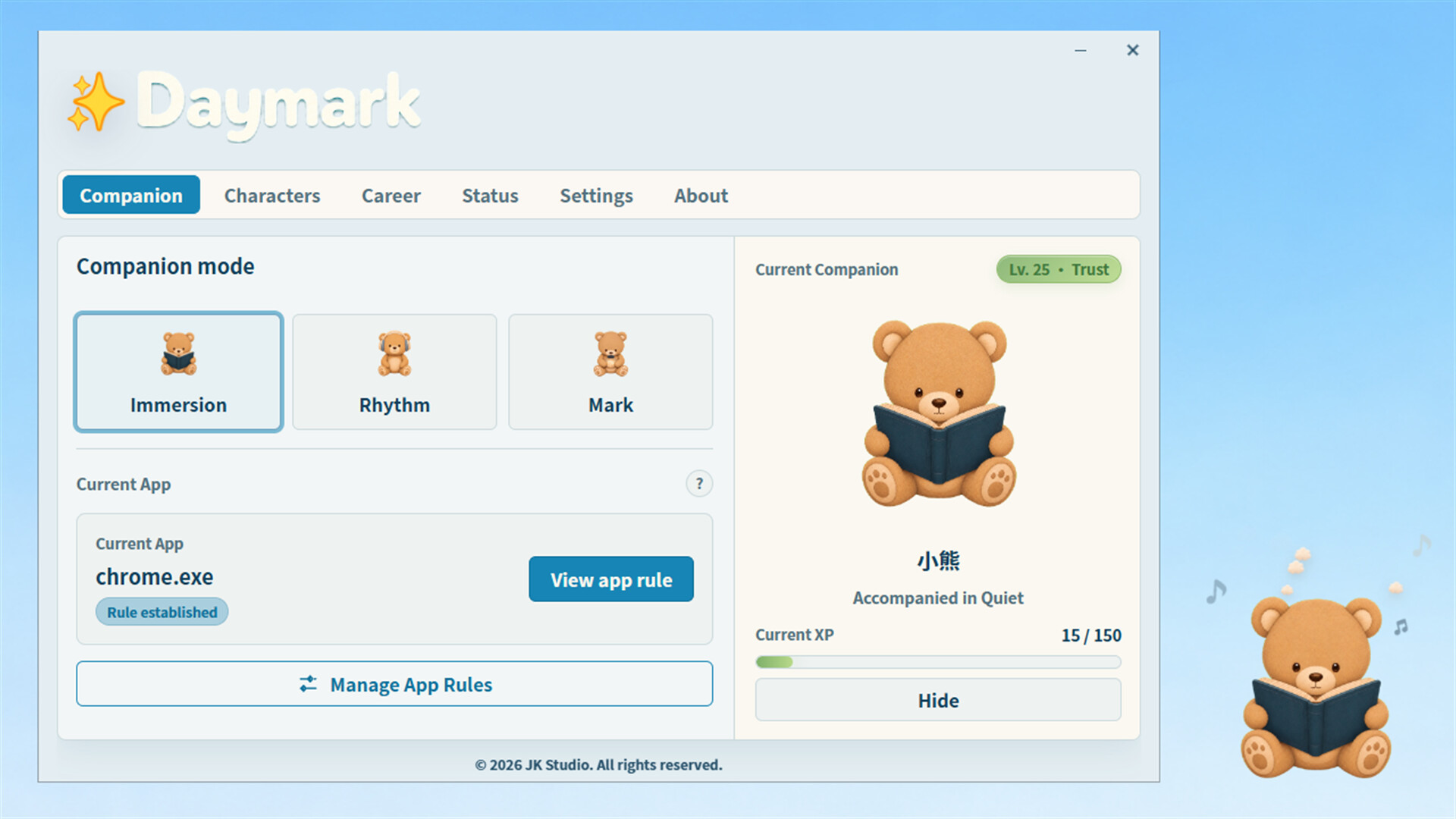
While you work, study, or create, Daymark can generate a short status based on the app you're currently using. Start with the preset rules, or create your own rules and custom lines for the apps you use.
Your status can be simple and straightforward, or carry a little of your own sense of humor:
Using Blender
Turning breakpoints into a crime scene in VS
Waiting for the lighting to understand the world again in UE
Daymark identifies apps by process name only. It does not read window titles, file names, project paths, code, web pages, or document contents.
• Play some music and move with the Rhythm🎵
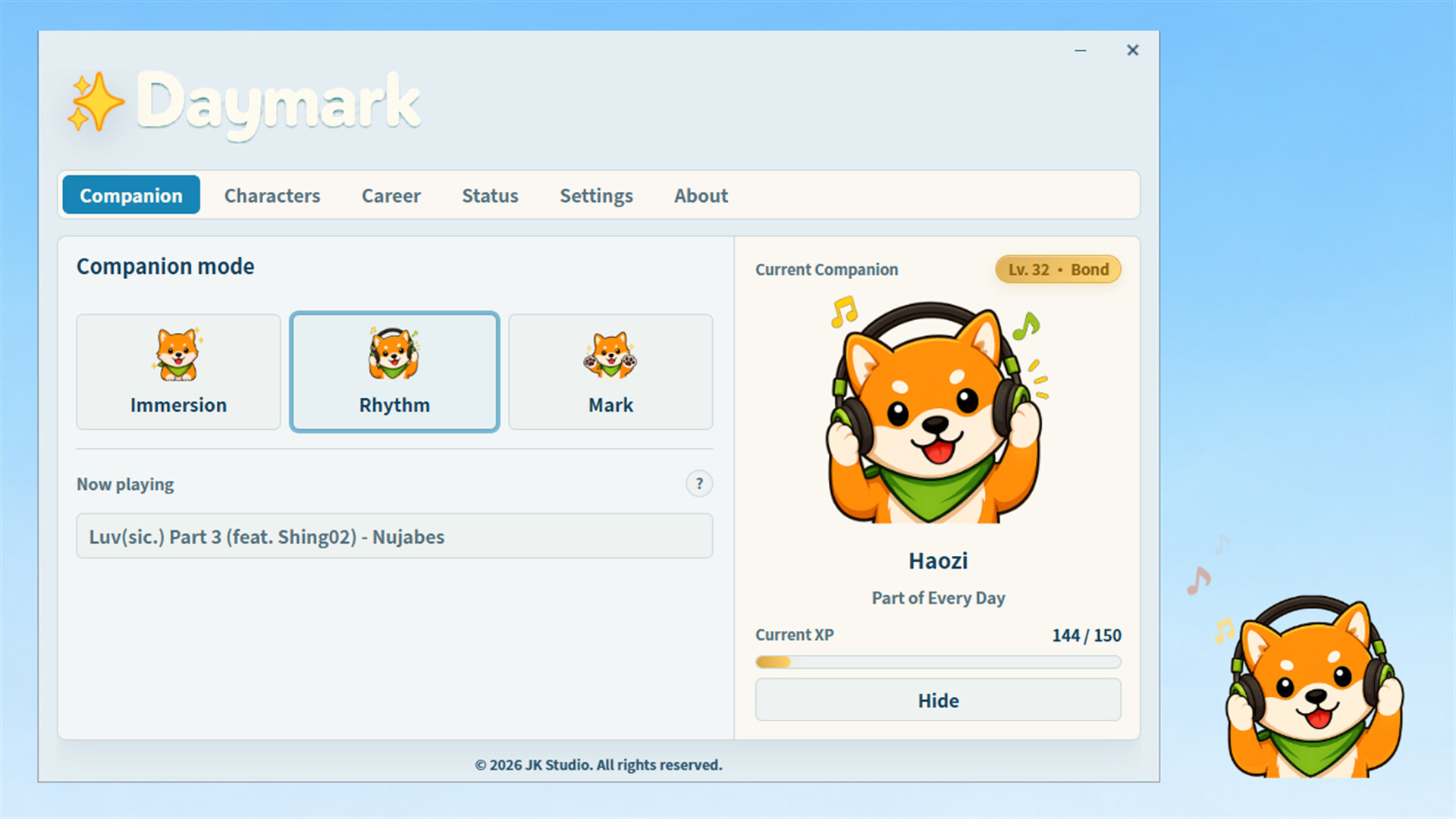
Daymark uses Windows system media information to detect the music currently playing. Your companion shifts into its Rhythm expression, making the music part of the company you share on your desktop.
The music that has accompanied you is also kept in your local journey record. You decide whether specific song information is shown to your Steam friends: share what you're listening to, or simply let your companion listen quietly by your side.
• Write a line and leave a Mark on the moment📝
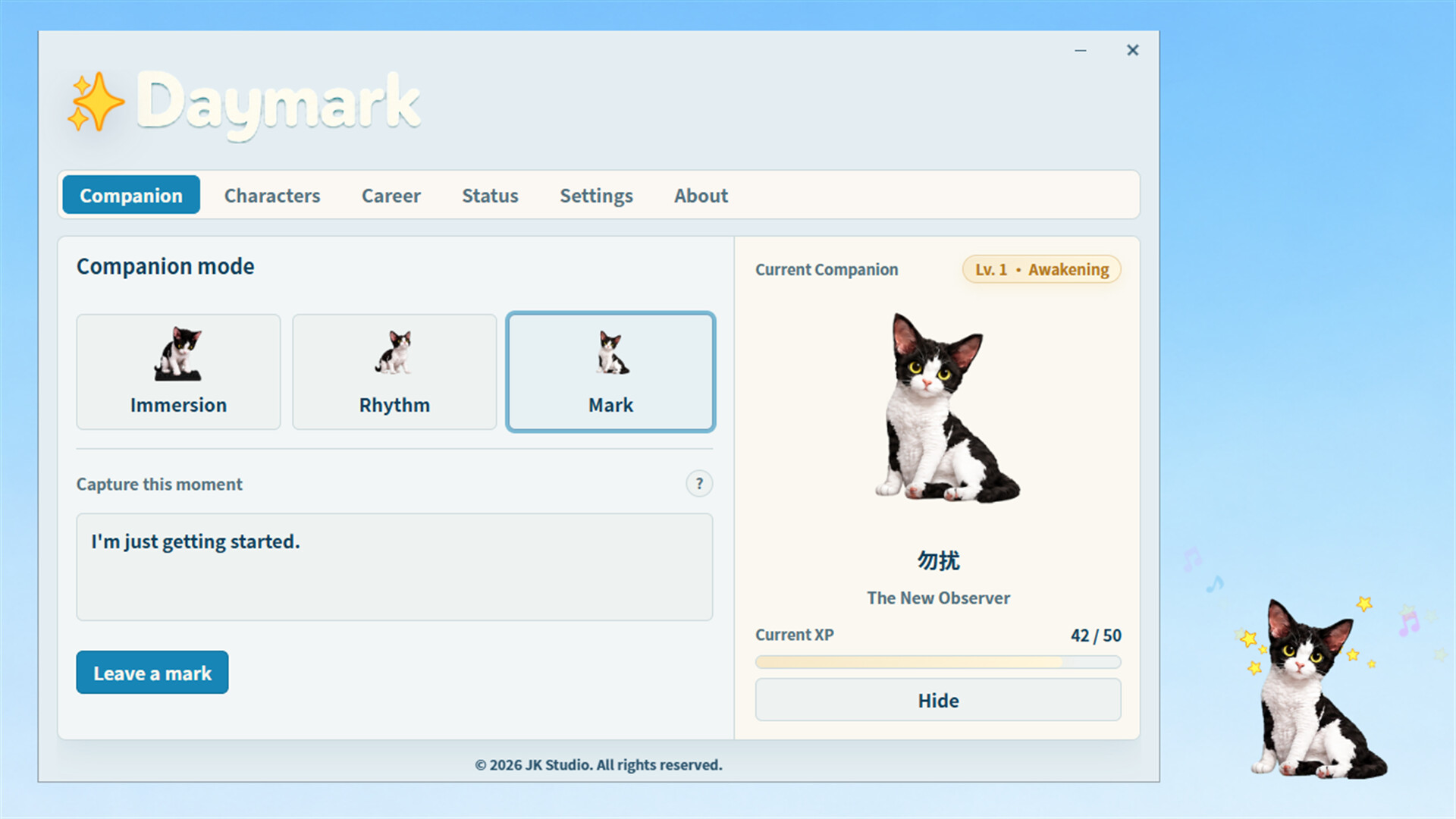
A Mark is like a personal status message you can keep.
It can be a sentence, a thought, or a passing feeling. Share it as a Steam status your friends can see, or keep it locally as a moment you can revisit later in your companion's journey.
It won't disappear for good the next time your status changes. Your companion keeps the moment for you, ready to bring that day back in a future reflection.
• Choose a desktop companion who will remember you
Choose a companion for the journey and give them a name that belongs to the two of you. Your companion takes on different expressions in Immersion, Rhythm, and Mark modes, and can be hidden whenever you need a quieter workspace.
When you type or use the mouse, your companion responds with movements of their own; when music starts playing, notes appear around them too. They do more than sit quietly on your desktop—they respond to what you are doing.
There are no daily tasks to complete and no penalties for breaking a check-in streak. Just use your computer as you normally would. As your companion spends time with you, they gain experience, level up, earn titles, and create a series of reflections on your journey together.
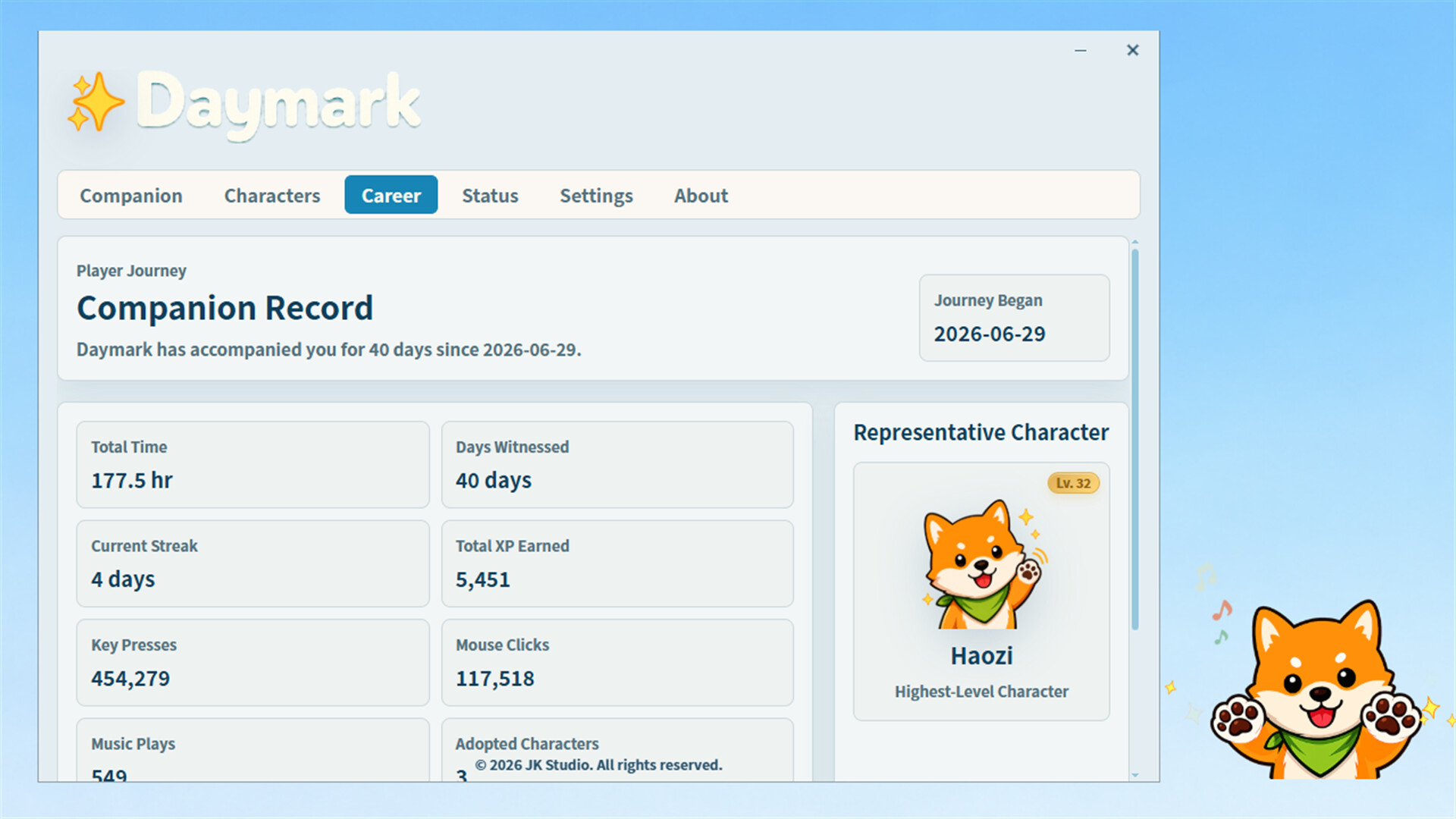
The longer you spend together, the more your companion will remember📖:
- The time you've shared and the days they've witnessed
- The apps you use most and the stages of your journey
- The music you return to and the moments spent listening
- The Marks you've chosen to write
- Character levels, titles, milestones, and reflections🌱
Daymark isn't a productivity tool that monitors whether you've completed real-world tasks. It simply lets the everyday moments that might otherwise disappear become visible, build up over time, and give you something to remember later.
You decide what others can see🔒
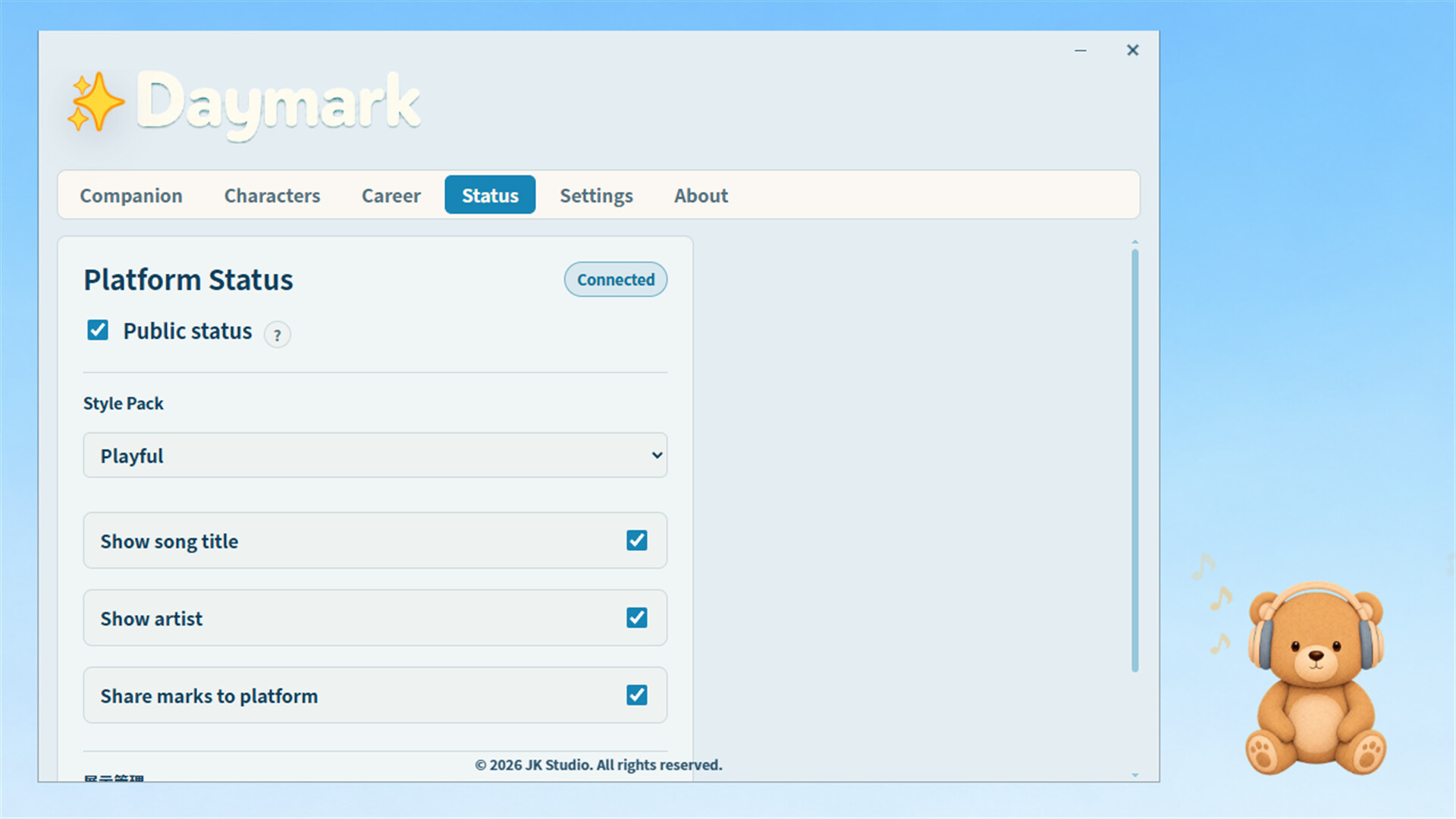
Apps, songs, and Marks each have their own sharing controls.
When sharing of real activity is turned off, your companion will still stay with you and keep a local record, but specific apps, songs, and the original text of your Marks will not be used in your public status.
Daymark only publishes information within Daymark's own Steam status. It does not change your global Steam status or impersonate any other game or software.
Key Features✨
- Show an app, music, or a written Mark as your Steam status under Daymark
- Three companion modes: Immersion, Rhythm, and Mark
- Choose, name, show, or hide your desktop companion
- Character experience, levels, titles, and growth reflections
- Records of app use, music listening, written Marks, and time spent together
- Separate sharing controls for apps, songs, and Marks
- Steam Achievements and Steam Cloud saves
Let life be seen—just like a game.🌟