
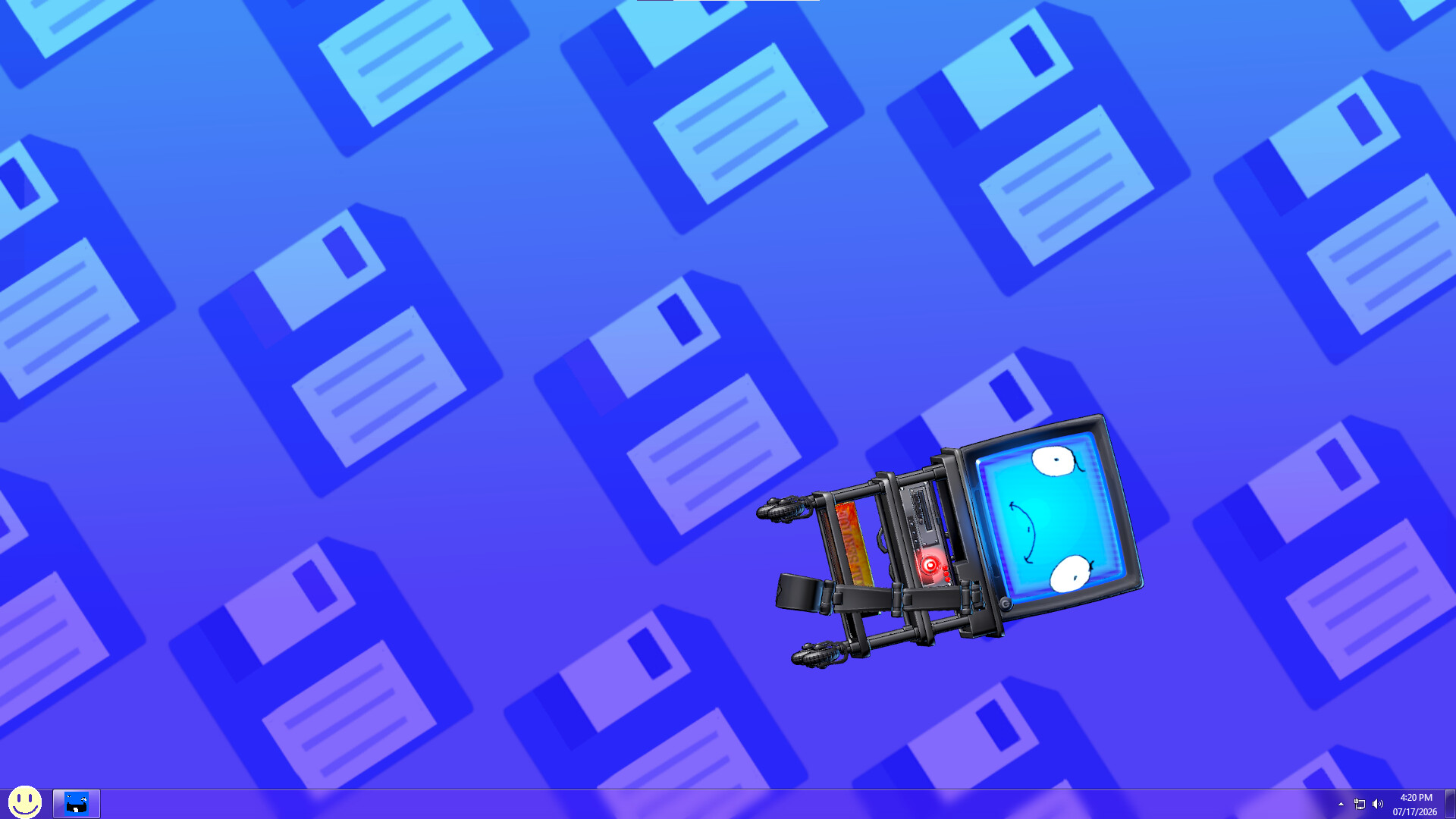

About ScagJPT
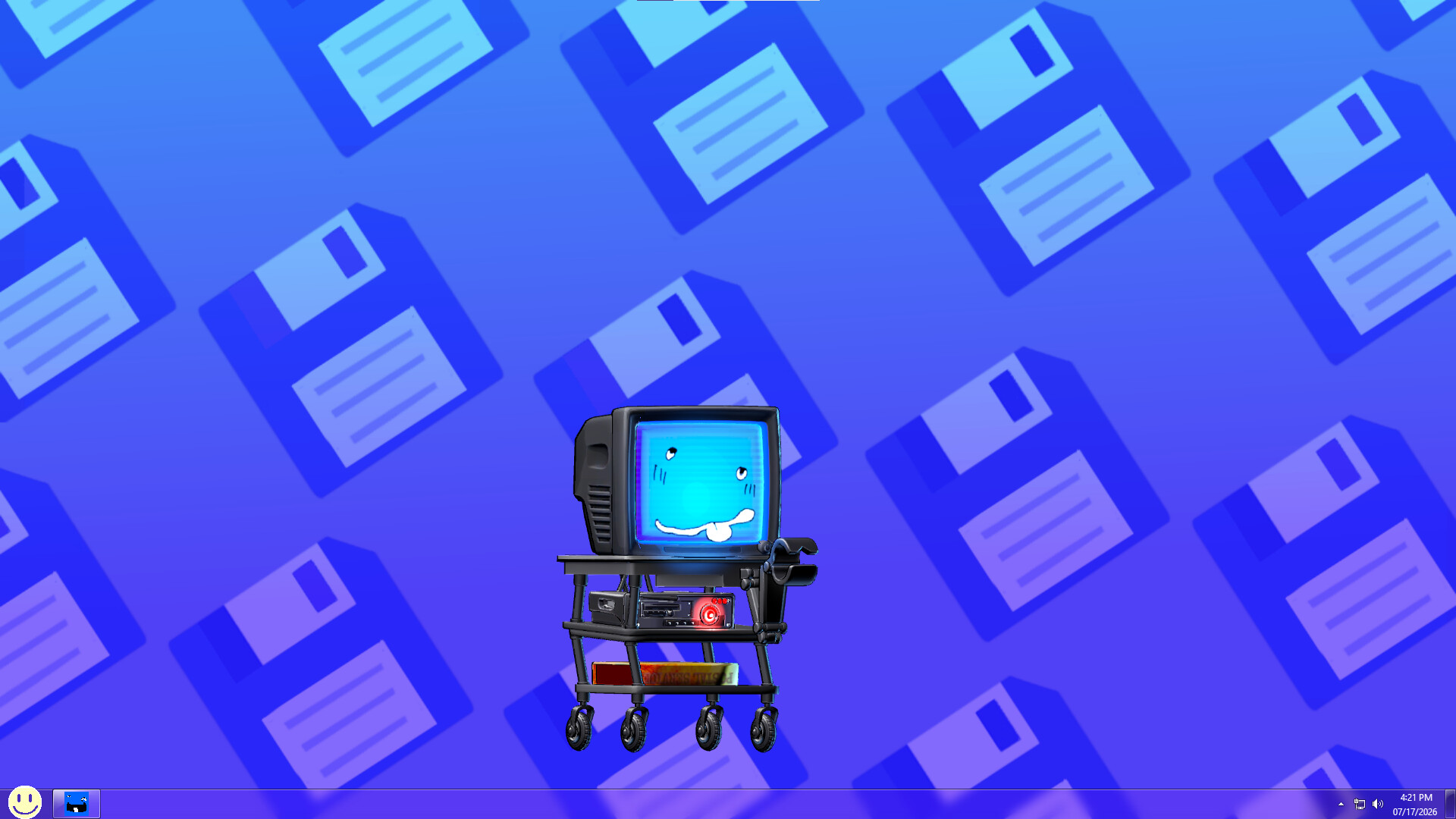
Scag wants into your desktop, so let her in!
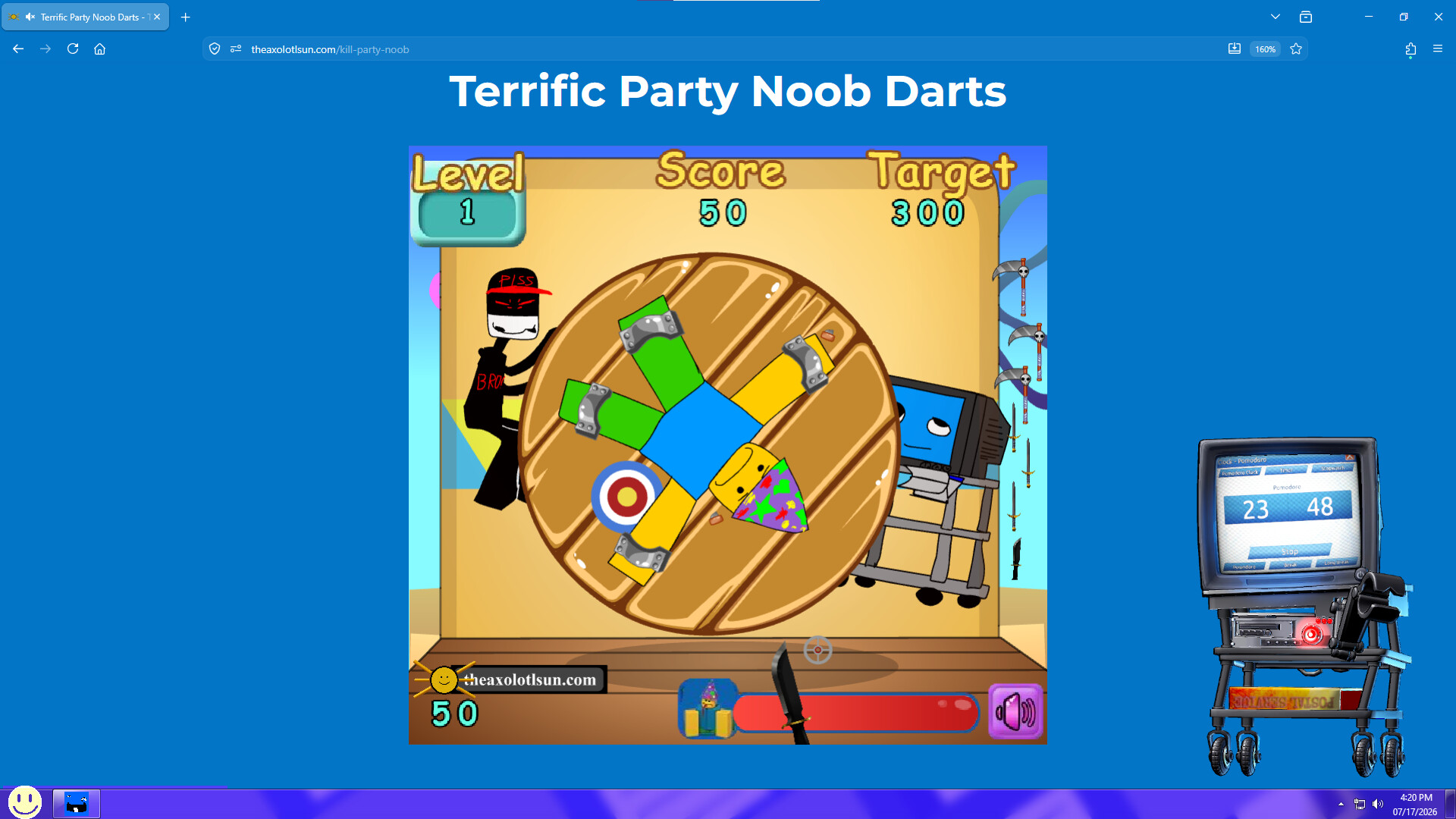
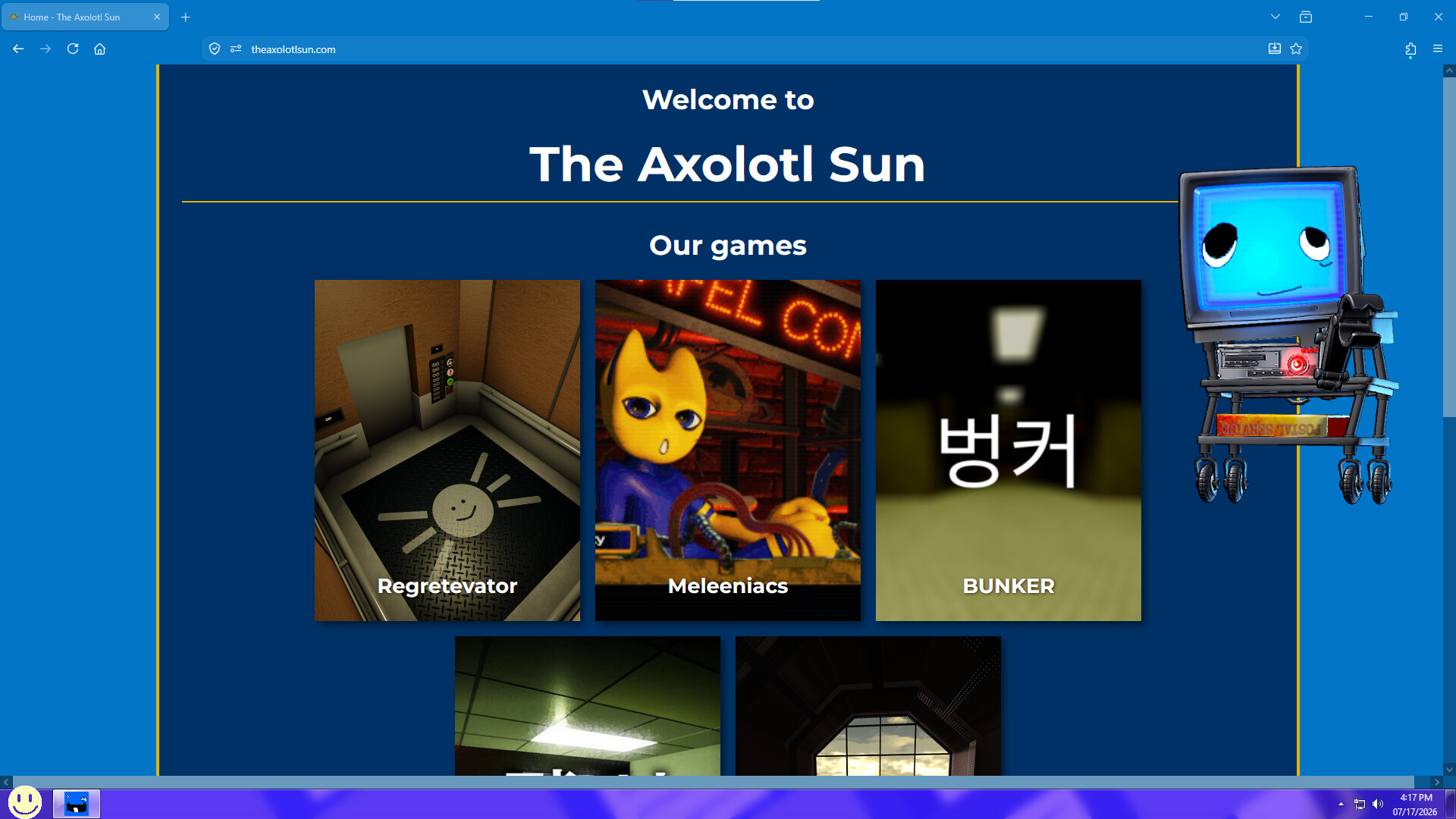
Scag can't give you the world, but she can get pretty close (Probably). The way she'll do this is by bumming out on your desktop! Let her walk around and hang out on your computer screen.
Having Scag will let you :
Use her Clock app (It comes with multiple functionalities)
The Alarm functionality allows you to set alarms for ANY DURATION YOU'D LIKE.
The Stopwatch functionality allows you to time anything you'd like by manually stopping and starting the timer.
Pomodoro clock: A pomodoro clock is a clock that helps increase productivity via the "Pomodoro Technique." This technique is said to decrease the amount of mental interruptions by giving the user stimuli to associate with working and taking a break. The timer will start with 25 minutes of work, then 5 minutes for a short break. This loop will repeat four times and on the fifth time will increase the break to 30 minutes. Apparently this helps with productivity so we wanted scag to have an app for it.
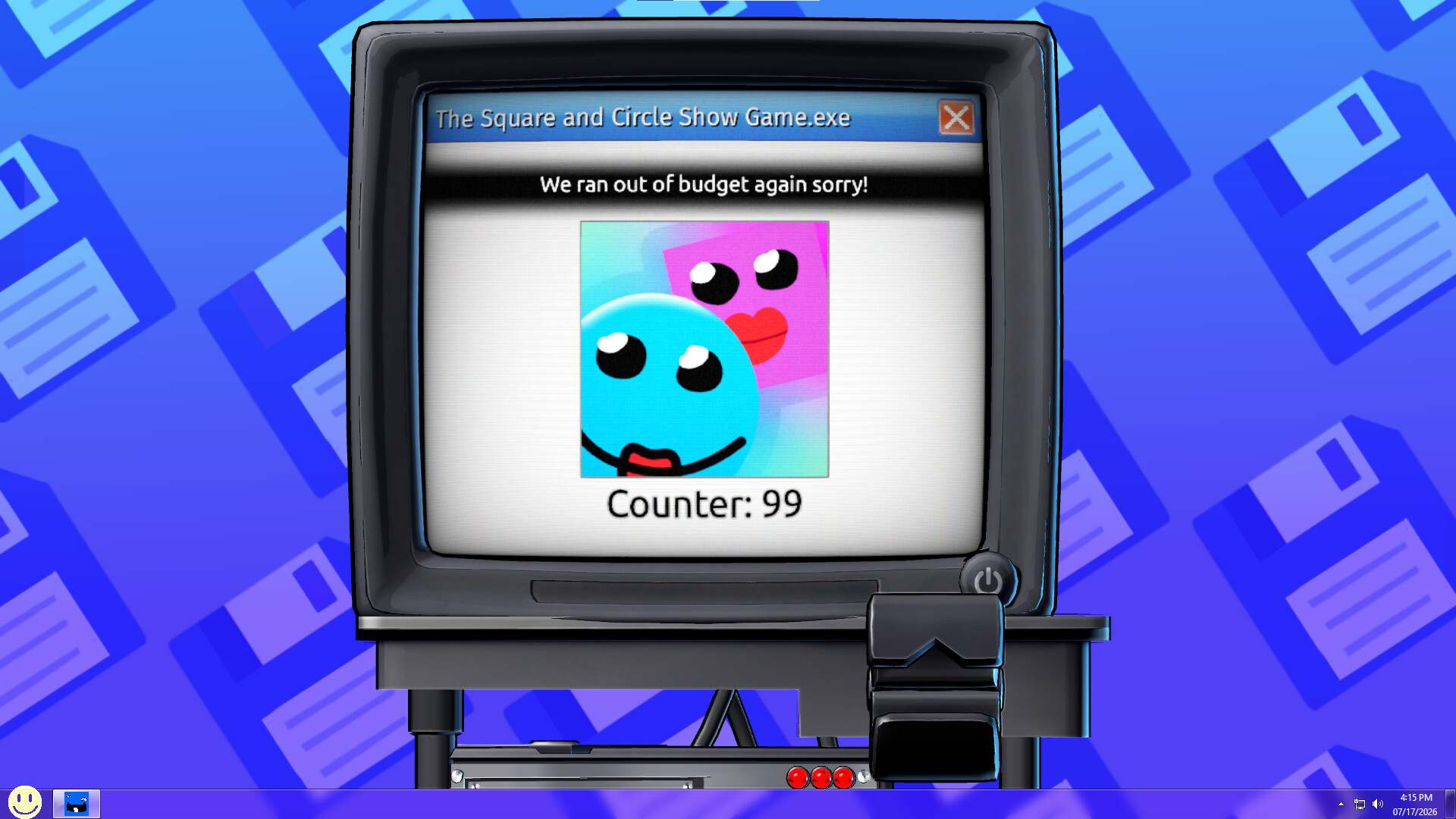
Click "The Square & Circle Show" clicker
It's for you.
Watch videos on her
Scag has a video player, you (as the user) can input most forms of video files into scag and she'll play them on her screen! ( She accepts "webm","mkv","flv","vob","ogv","mng","avi","mts","m2ts","ts","mov", "qt","wmv","yuv","rm","rmvb","viv","asf","amv","mp4","m4p","mp2","mpe", "mpv","mpg","mpeg","m2v","m4v","svi","3gp","3g2","mxf","roq","nsv","flv", "f4v","f4p","f4a", and "f4b" )
She also accepts images and gifs!
Throw her
It's a little rude, but its fun and easy.
Punch her
its fun and easy!
Be in her presence
You can say hi to her as well.
Let her walk around on your desktop
She enjoys short digital walks around your desktop landscape if you enable her to be able to do so in the settings menu.