

About
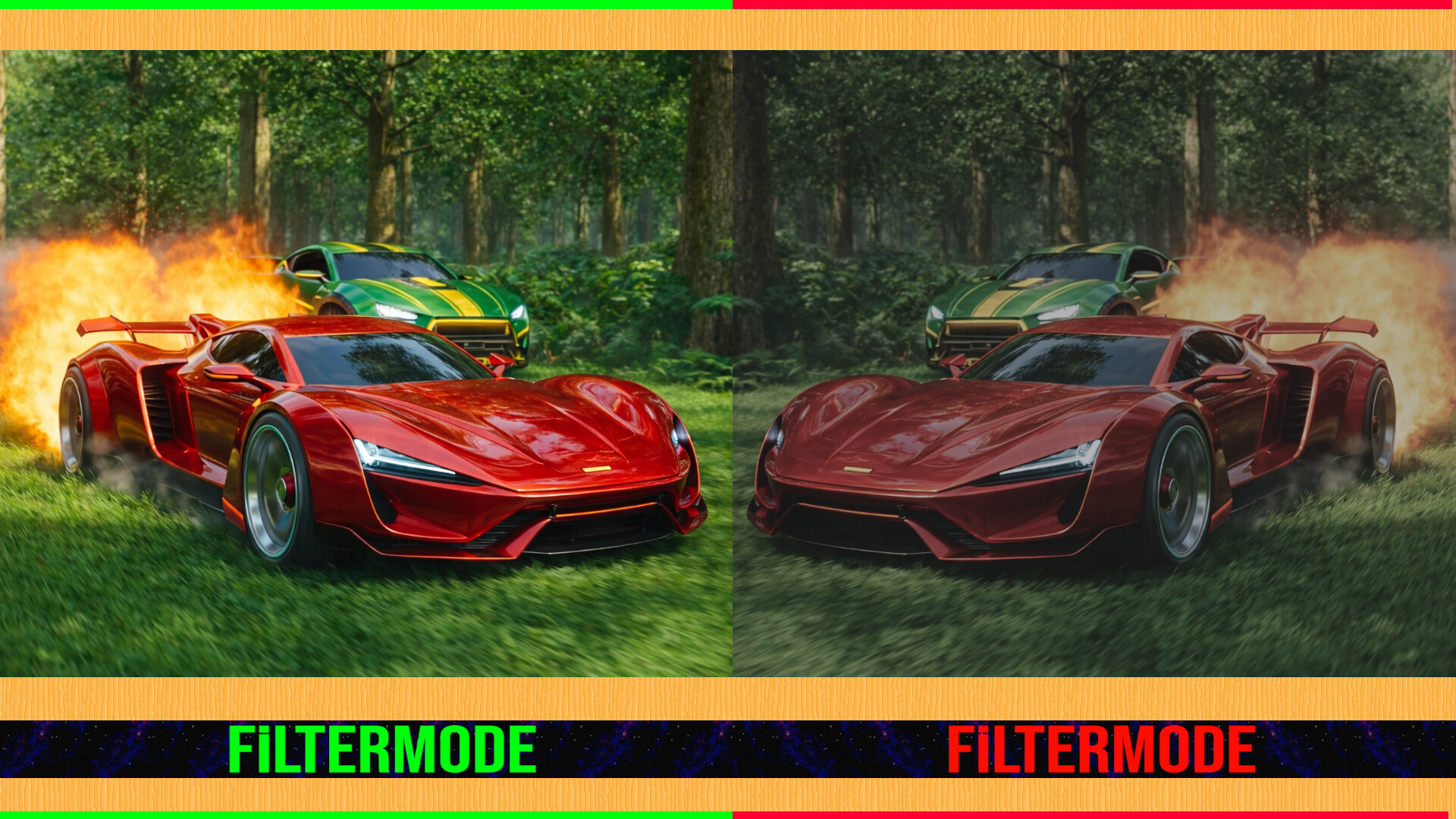
A powerful and easy-to-use tool to personalize your visual experience.
• 🚀🖱️ Change atmosphere during gaming or work!
• 👁️ Adjust color and brightness as you wish to protect your eyes!
• 🖼️ Use your JPG/PNG images as screen filters!
• 🎥 Use your MP4/WEBM/AVI/MKV/MOV videos as screen filters!
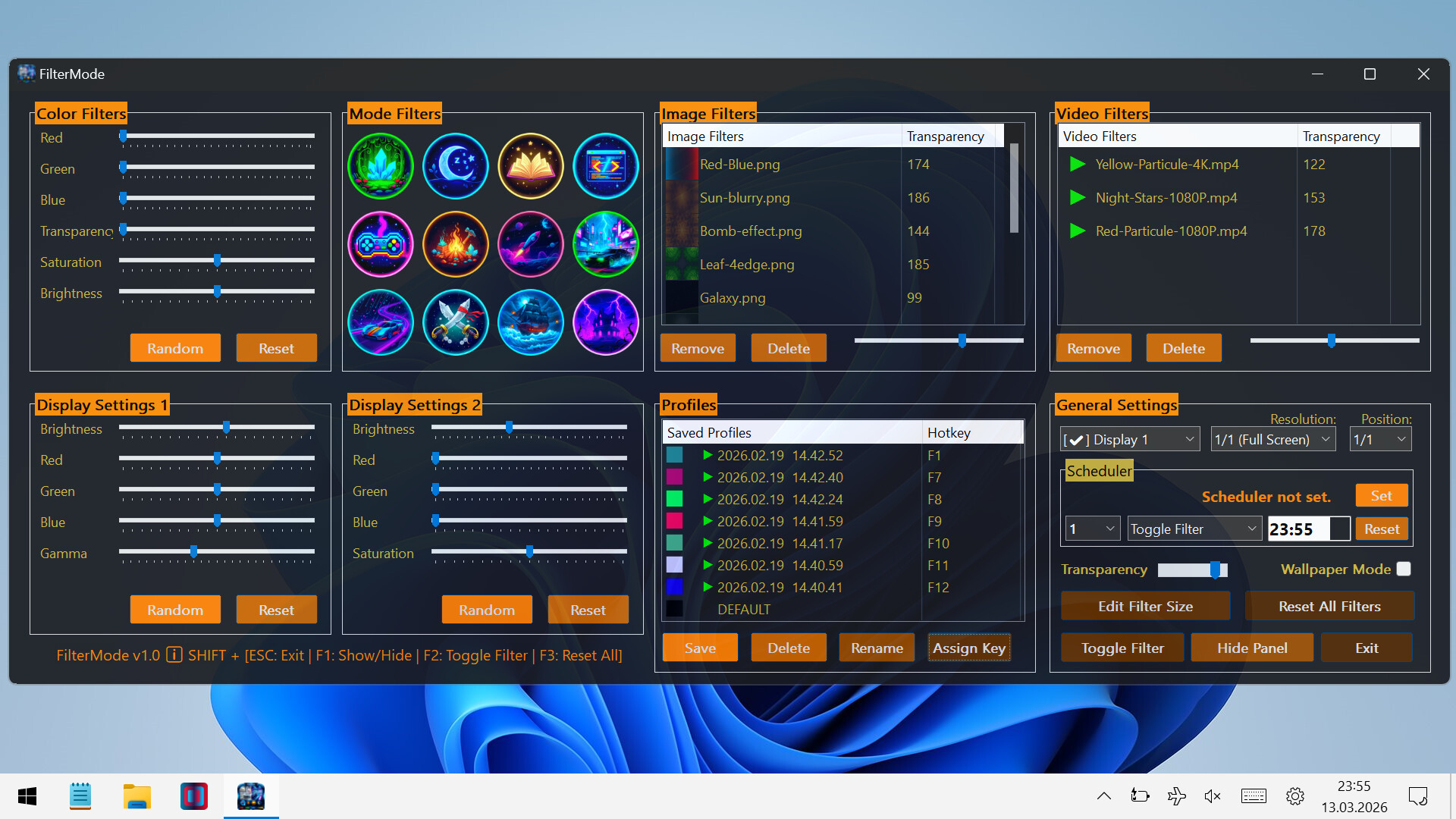
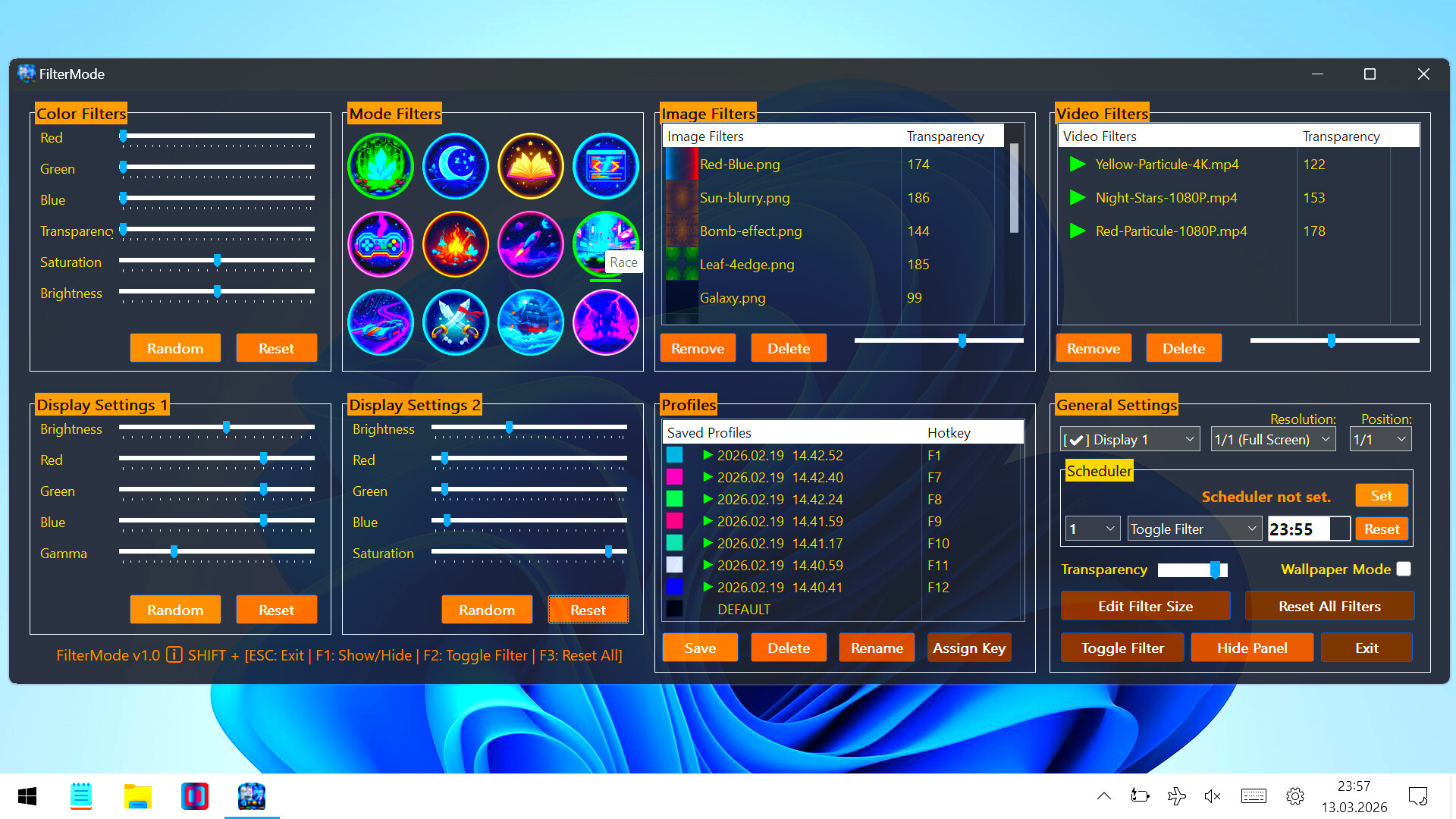
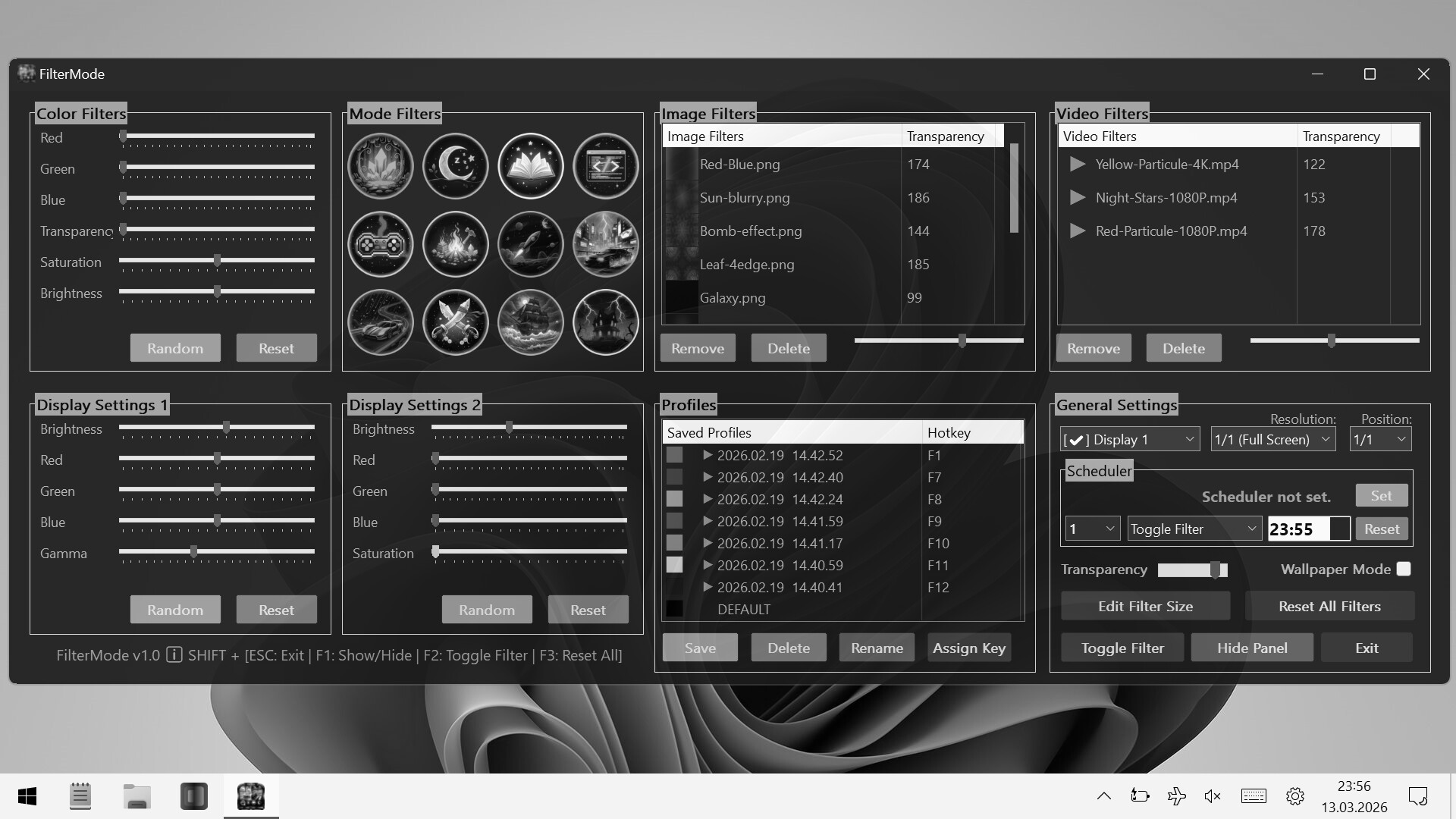
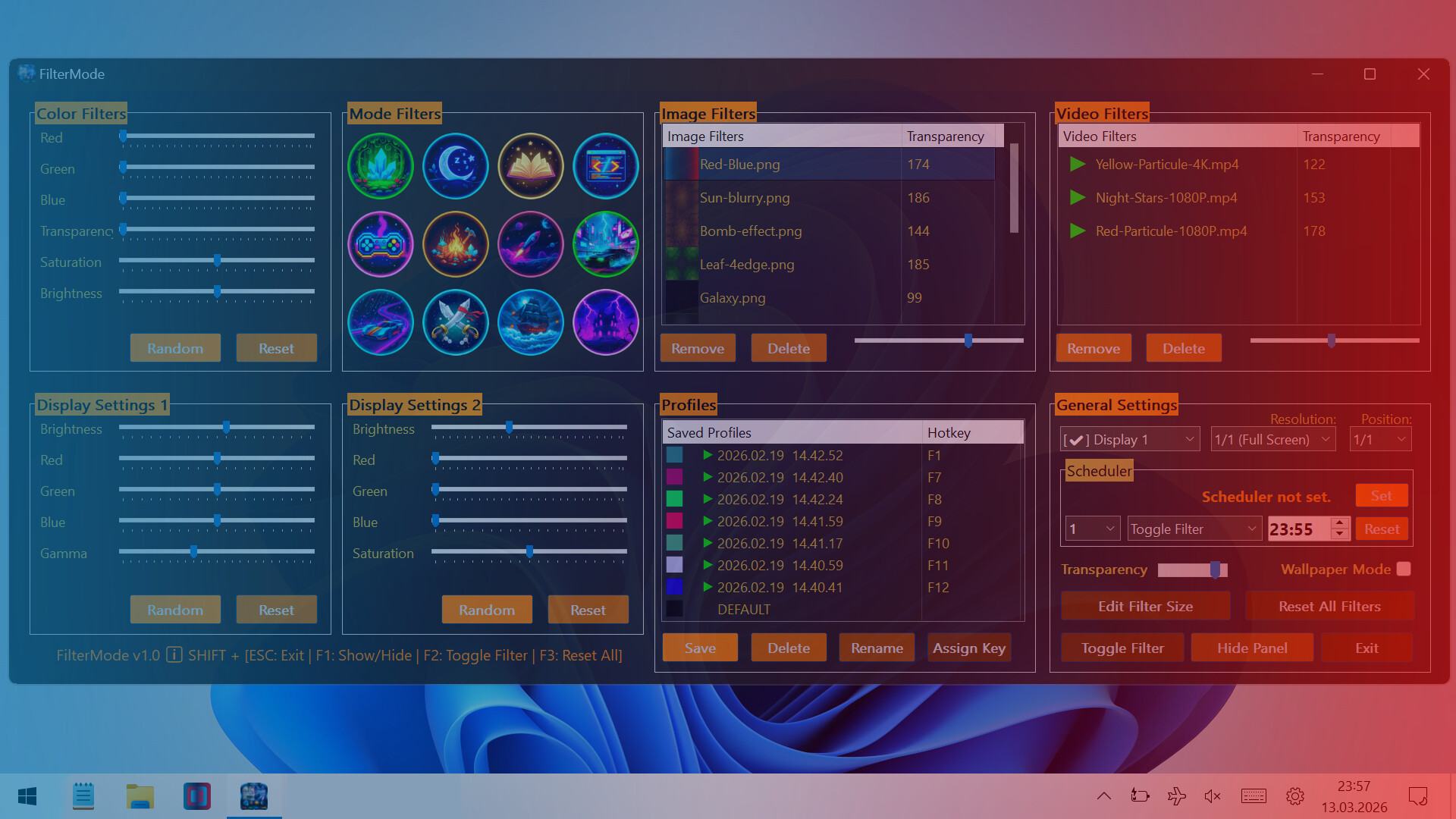
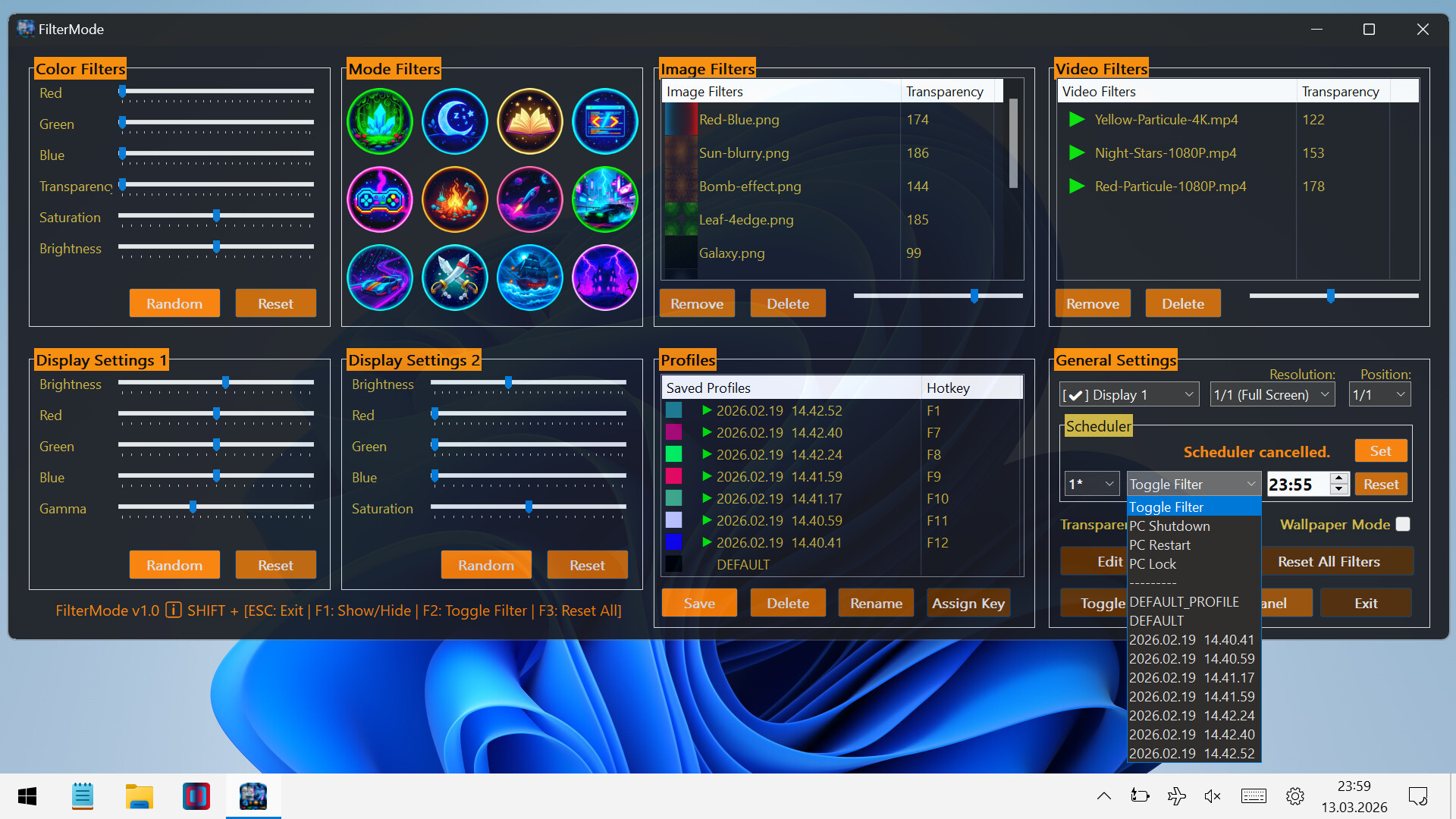
🎨 Color Filters:
Real-time RGB, saturation, brightness adjustment
0-100% transparency control
Save your filters to a list
Easily apply / rename / delete your saved filters
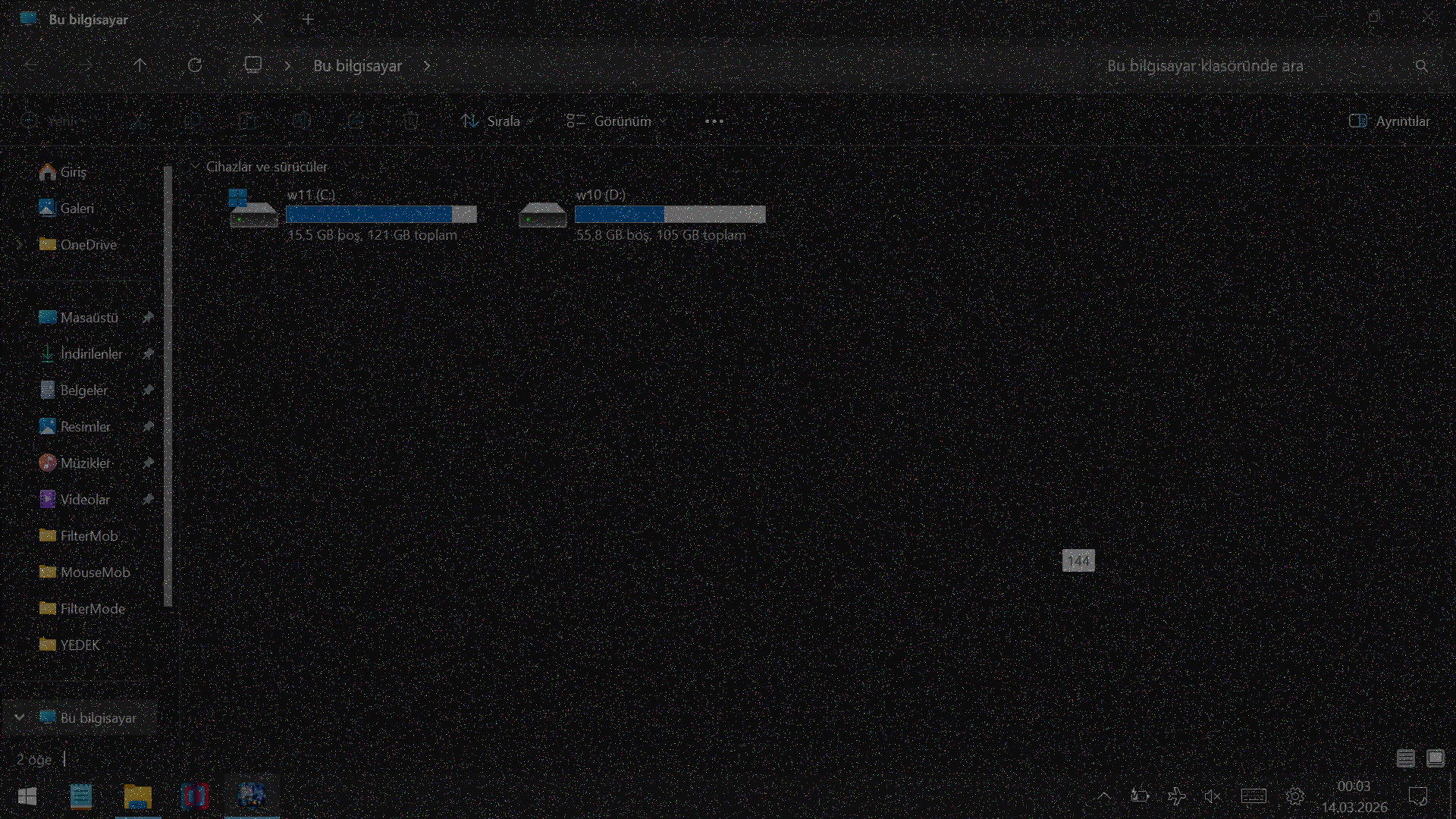
🖼️ Image Filters:
Add JPG/PNG images via drag-and-drop
Image transparency adjustment
Save your images to a list
Easily apply / change opacity / delete your saved images
🎥 Video Filters:
Add MP4/WEBM/AVI/MKV/MOV videos via drag-and-drop
Video transparency adjustment
Save your videos to a list
Easily apply / change opacity / delete your saved videos
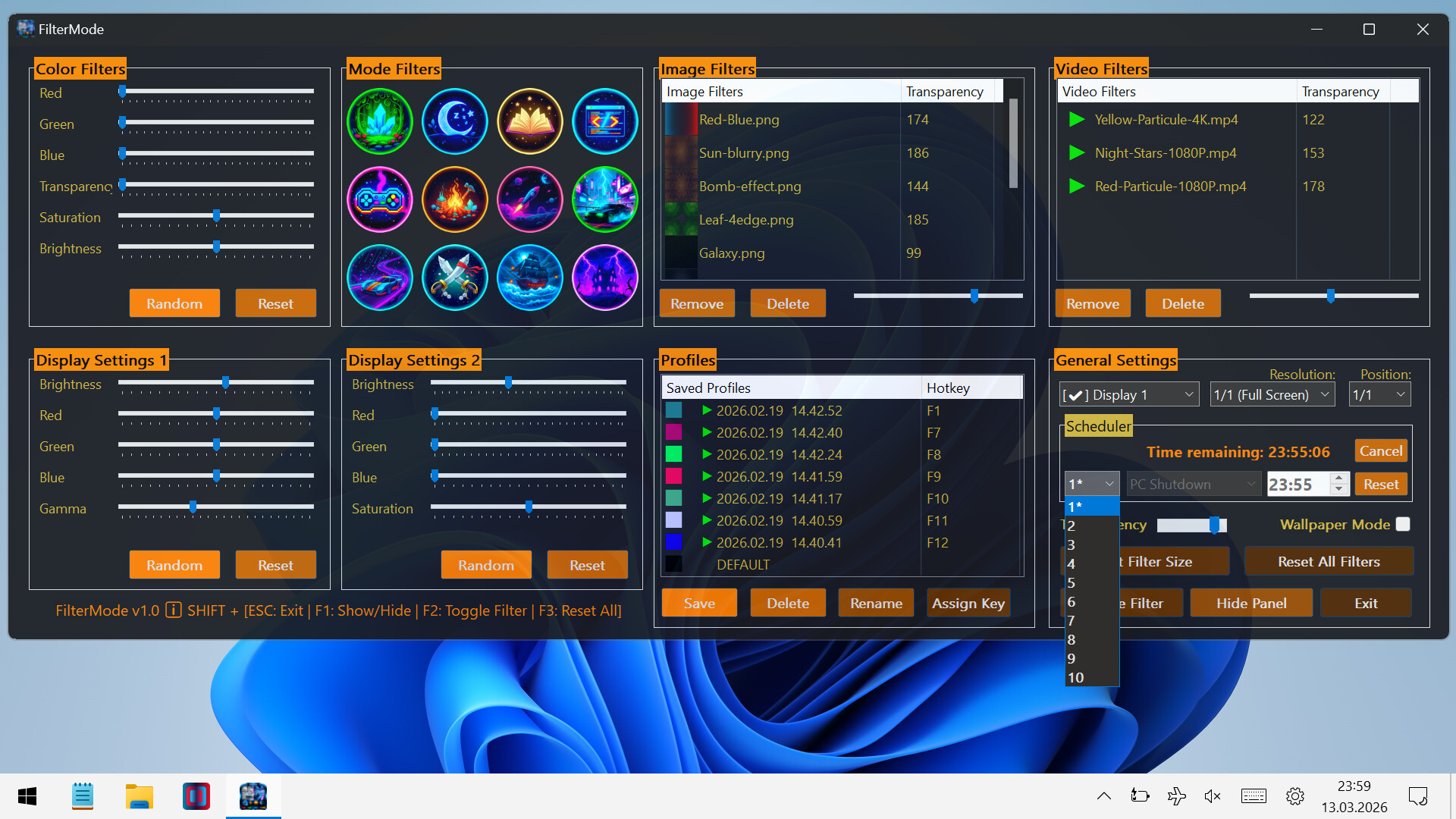
🕒 Scheduler System
With the Scheduler tab, you can set a specific time to automatically:
Toggle the All FilterMode filters on/off
Automatically load a saved profile
Shutdown PC
Restart PC
Lock PC
💾 Advanced Profile Management
You can now save every setting (Color, Image, Video, Gamma, and System Brightness) as a named Profile.000
Saved profiles are now listed with visual icons (Color previews or thumbnails).
Switch between "Game Mode," "Reading Mode," or "Night Mode"... (your profiles) with a single click.
💾 Automatic Save Management:
All settings are automatically saved
Last used filters and overlays are remembered and automatically set at startup
Your settings are safe even in unexpected shutdowns
⚡ Performance
Optimized Efficiency:Designed for low resource consumption.
⌨️ Quick Actions:
Instant control via customizable global shortcuts (Shift+Esc, F-keys)
Automatic system language detection (30+ languages).