



About
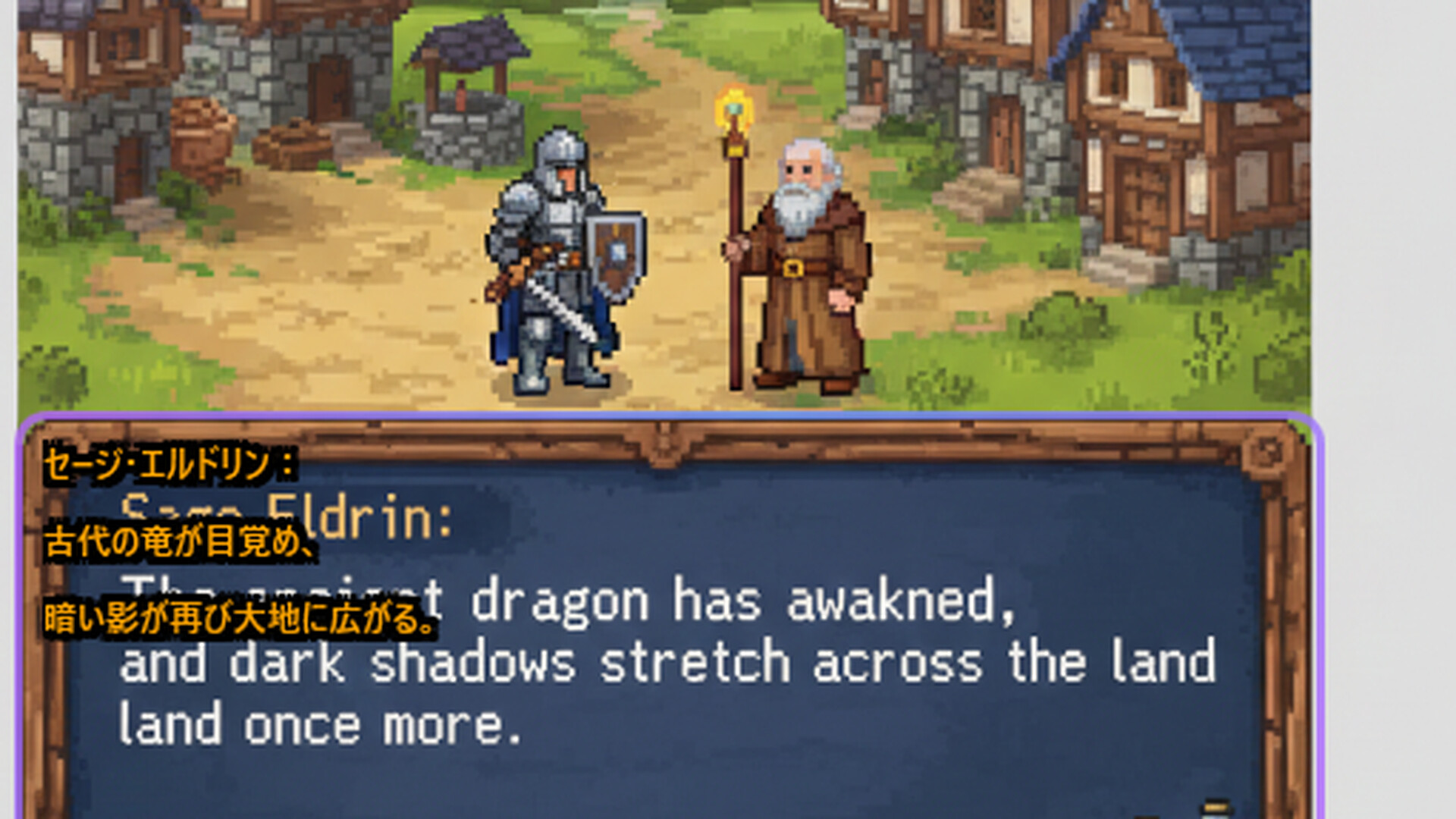
Translation Lens is a real-time screen translation overlay for Windows.
FEATURES:
• Instant OCR text detection from any screen area
• AI-powered translation (Gemini 3 Flash)
• Support for English, Japanese, Chinese, Korean
• Transparent overlay - see translations while gaming
• Local OCR processing - fast and private
• Translation cache - reduce API costs
HOW IT WORKS:
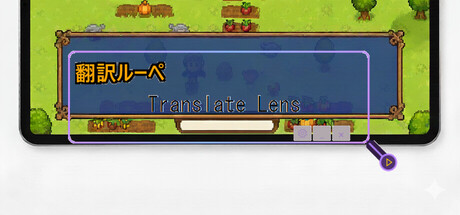
1. Position the Translation Lens window over text
2. Click button or enable automode
3. See instant translation results
PERFECT FOR:
• Playing untranslated Japanese games
• Enjoying Chinese indie games
• Reading Korean visual novels
• Any foreign language content on screen
FREE TRIAL:
Start with 20 free translations. Purchase translation packs when you need more.
Note: This app uses Windows built-in OCR for text recognition. To recognize text in your source language, you may need to install the corresponding language pack in Windows Settings → Time & Language → Language & Region.